LX2NB Manual v.1.9 Page 49 / 60
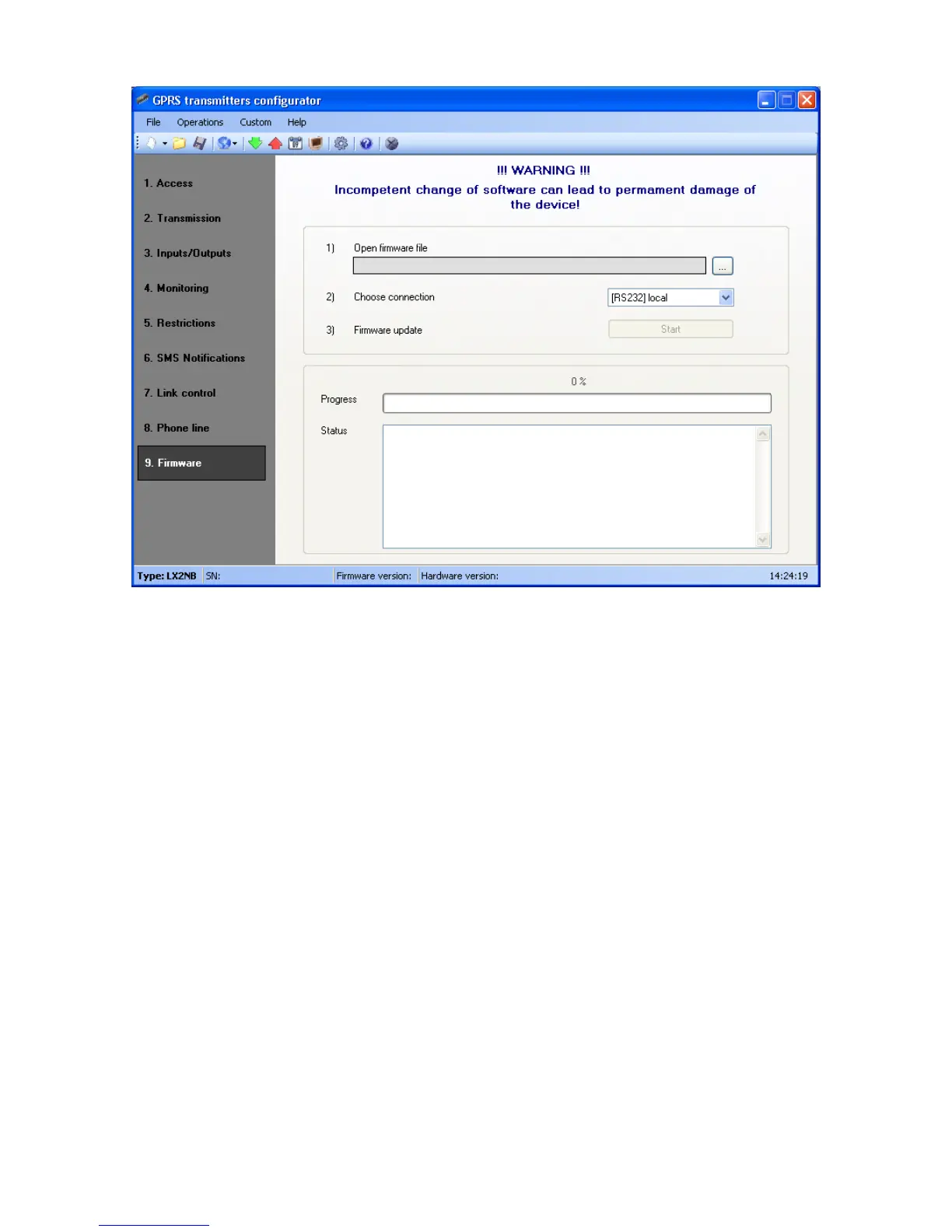
Follow the following procedure:
a) Launch configuration program
b) Open “Firmware” option of configuration wizard
c) Open file with new firmware (click [Open] button to locate where file is).
d) Select file transmission mode: local.
Note: Procedure of assigning firmware to a device is analogous to programming a
device. For procedure refer to chapter 8 Programming of the device.
e) Click [Start] button to start software exchange.
f) Loading course is displayed on special window.
g) Close the window after completed saving
From this time on the device will work under control of new firmware.
Note : The above procedure shall be carry out with due care to avoid
improper device operation.



 To Next Page