15
Introduction
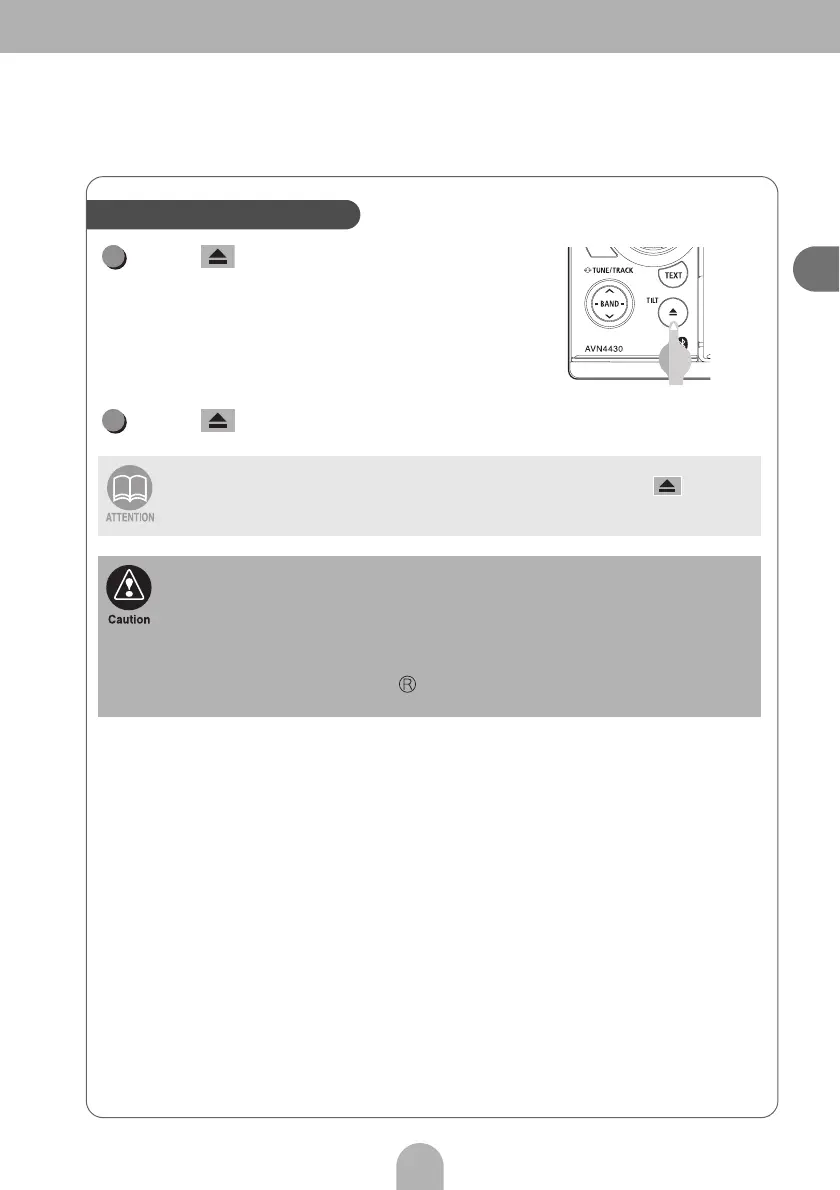
Press .
• The display opens and the disc is ejected.
Press after removing the disc.
When the disc cannot be removed (e.g. when it is stuck), hold down for more
than five seconds.
• Be careful of the following items while a disc is being ejected.
<Automatic transmission vehicle>
If the shift lever in the "P" position causes interference with disc ejection, switch the
lever to the "N" position to eject discs. (Steering column mounted shift levers allow the
main unit operation while lever is in either "P" or "N" position.)
<Manual transmission vehicle>
If the shift lever in the 1, 3, 5 or position causes interference with disc ejection,
switch the lever to the Neutral position to eject discs.
How to eject a CD or DVD
1
2



 To Next Page