38
Audio/Video operation
9 DVD player operation
How to watch a DVD
Press repeatedly until "DVD"
appears on the sub-display.
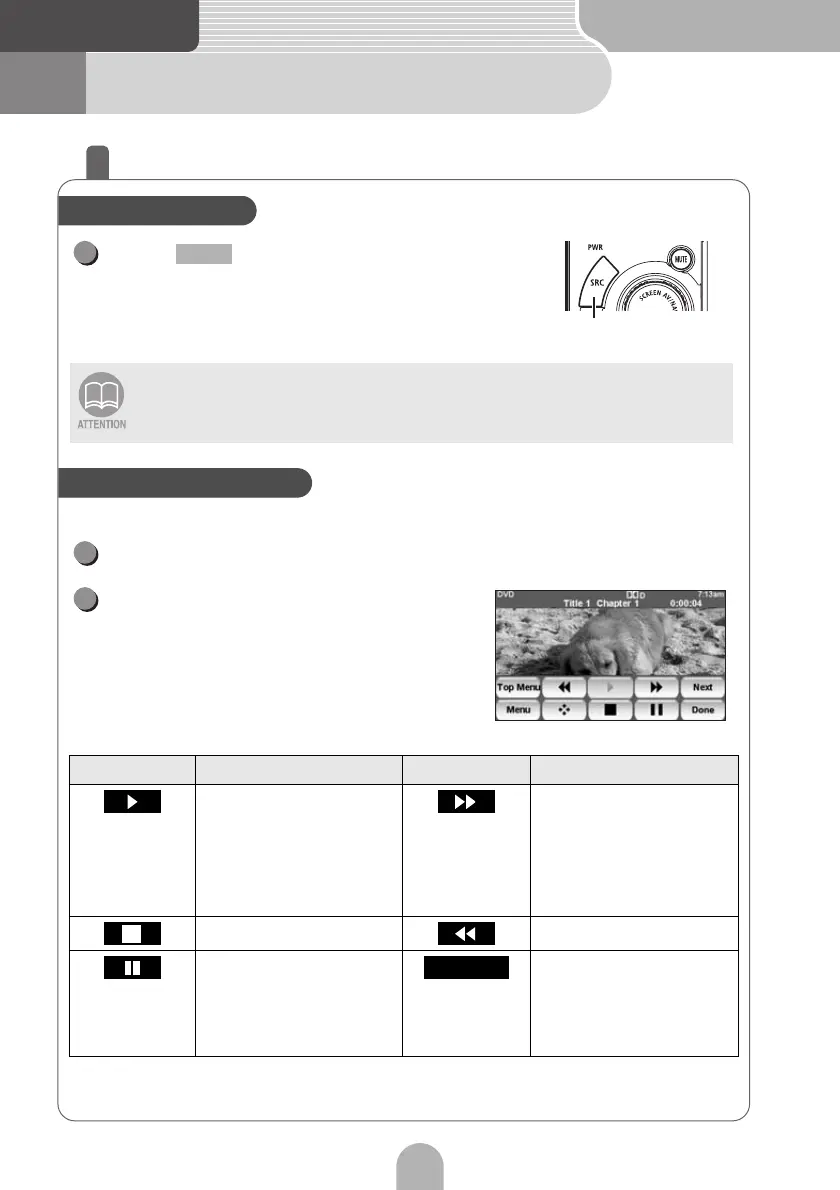
The image being played can easily be manipulated.
Touch the screen.
Touch the operation switch.
• Some DVDs may not be played automatically. In this case, play the DVD from the
disc menu stored in the DVD.
• For safety purposes, only the audio from the DVD can be played while the vehicle is
running.
Touch switch Function Touch switch Function
Touch to play. Starts fast forward
operation. When
touched in the PAUSE
status, starts slow
playing.
Stops the disc playing. Fast rewind
Pauses playing. When
touched in the PAUSE
status, starts playing
frame-by-frame.
Find a specified location
on the disc and start
playing from there.
Playing the DVD
SRC
1
SRC
Manipulate the image
1
2
Return



 To Next Page