37
Audio/Video operation
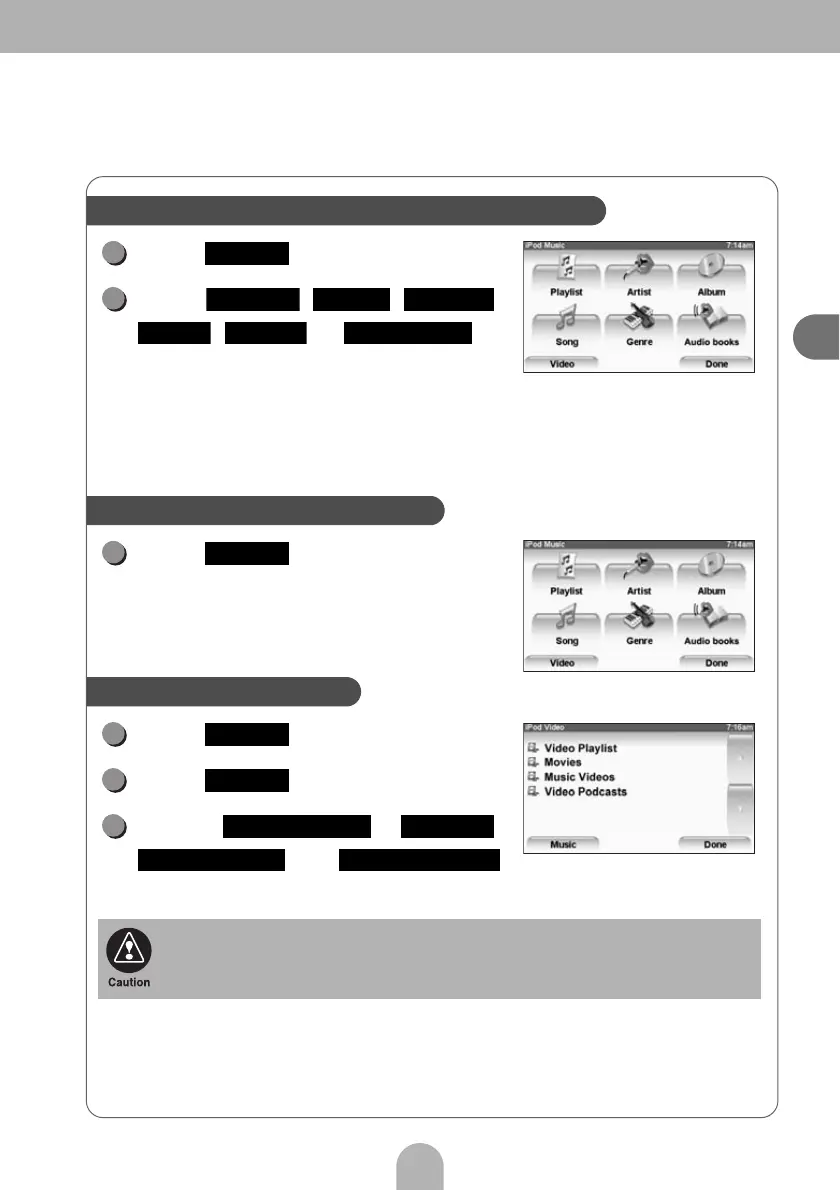
Touch .
Touch , , ,
, or to
select the song or program you
want to play.
For the specific details of the iPod operation for selecting songs (files),
refer to the manual on the Web.
Touch .
Touch .
Touch .
Touch , ,
or
to select the video you want to play.
When the iPod is switched to the video playback mode, it may take some time (up to
one minute) for playback to start.
Searching for a song or a program in various ways
Search mode screen
1
Select
2
Playlist Artist Album
Song Genre Audio books
Switching to the iPod-video mode
1
Video
Searching for video files
Search mode screen
1
Select
2
Video
3
Video Playlist Movies
Music Videos Video Podcasts



 To Next Page