30
Audio/Video operation
6 CD·MP3/WMA player operations
How to listen to a CD·MP3/WMA
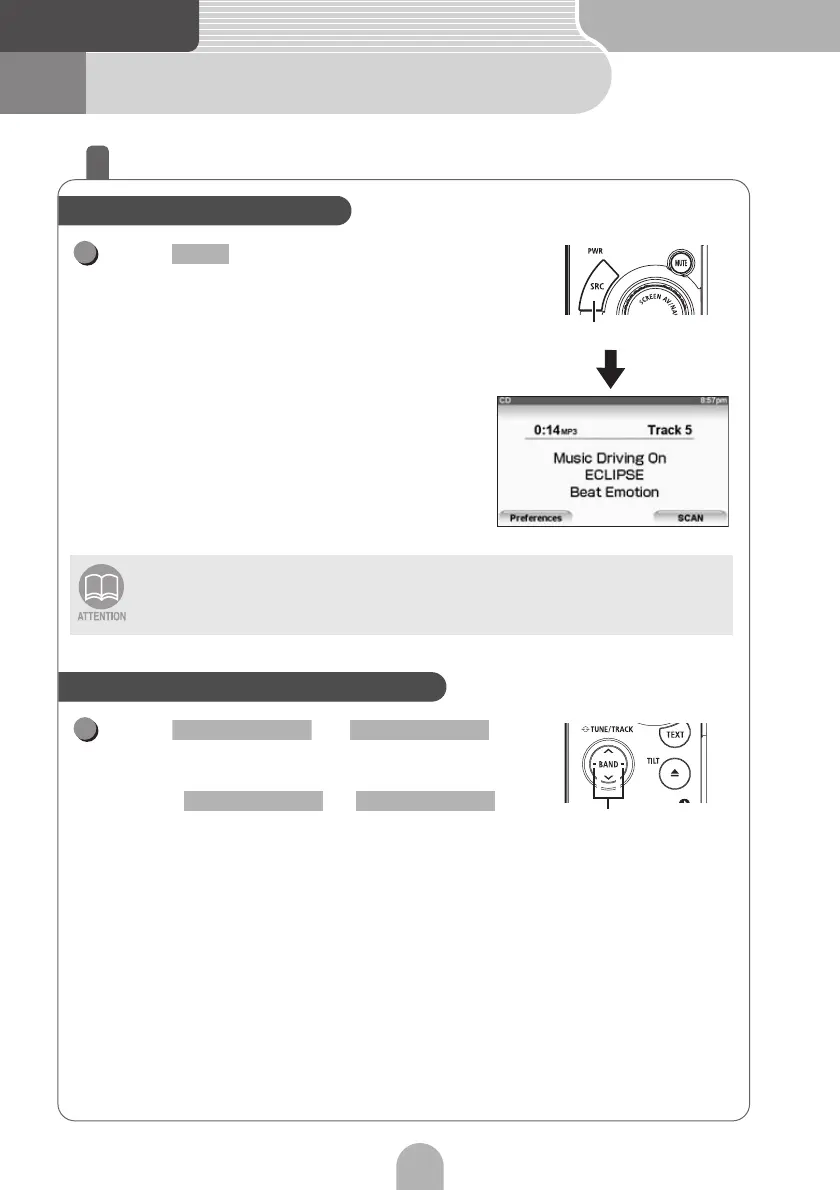
Press repeatedly until "CD" or
"ROM" appears on the sub-display.
Press or .
• Switch to the next track when playing a CD or to the next
music file when playing an MP3/WMA.
• Hold down or
for more than one second to fast-forward or rewind the
track (file).
If sound data and MP3/WMA data are mixed on the same disc, only the data recorded
in the first session can be played. Refer to the web manual for details.
Play a CD·MP3/WMA file
SRC
1
SRC
Select the desired track or music file
Track selection (track start point),
fast-forward, rewind buttons
1
SELECT (Right) SELECT (Left)
SELECT (Right) SELECT (Left)



 To Next Page