31
Audio/Video operation
■ Folder selection
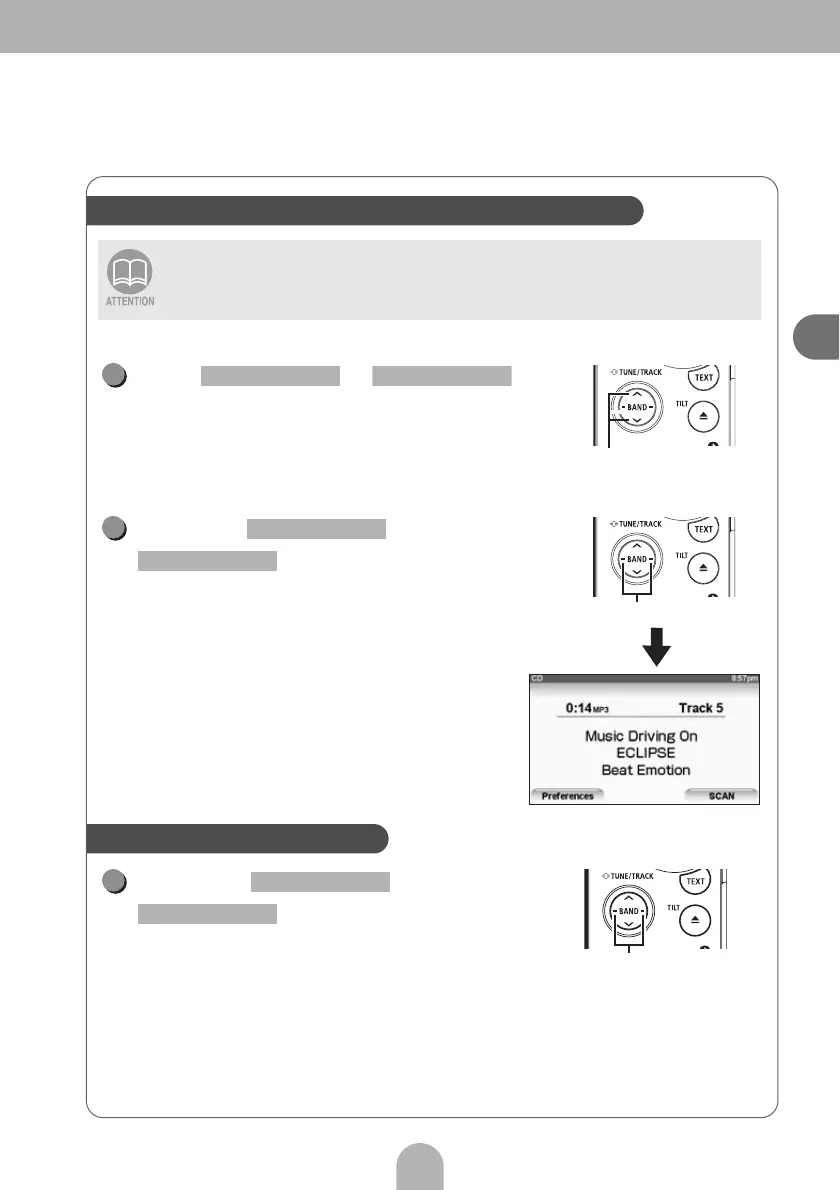
Press or to
move the folder selection up or down.
■ File selection
Press or
to move the file
selection up or down.
• File information will be displayed.
Hold down or
for more than one
second.
Files and folders on a CD-Rom can be selected by performing a simple operation
(File up/down, Folder up/down).
Easy folder and music file selection (MP3/WMA player)
Folder up/down buttons
1
SELECT (Upper) SELECT (Lower)
File up/down buttons
1
SELECT (Right)
SELECT (Left)
Fast-forwarding/rewinding
Track selection (track start point),
fast-forward, rewind buttons
1
SELECT (Right)
SELECT (Left)



 To Next Page