32
Audio/Video operation
■ For the CD player
Touch .
■ For the MP3/WMA player
Choose option or .
Touch to start the scan.
■ For the CD player
Touch .
Touch .
■ For the MP3/WMA player
Choose option or .
Touch .
■ For the CD player
Touch .
Touch .
■ For the MP3/WMA player
Choose option or .
Touch .
Press .
• Each time this switch is pressed, the details displayed will switch as shown below.
Track No. → Elapsed time → Track No. → ...
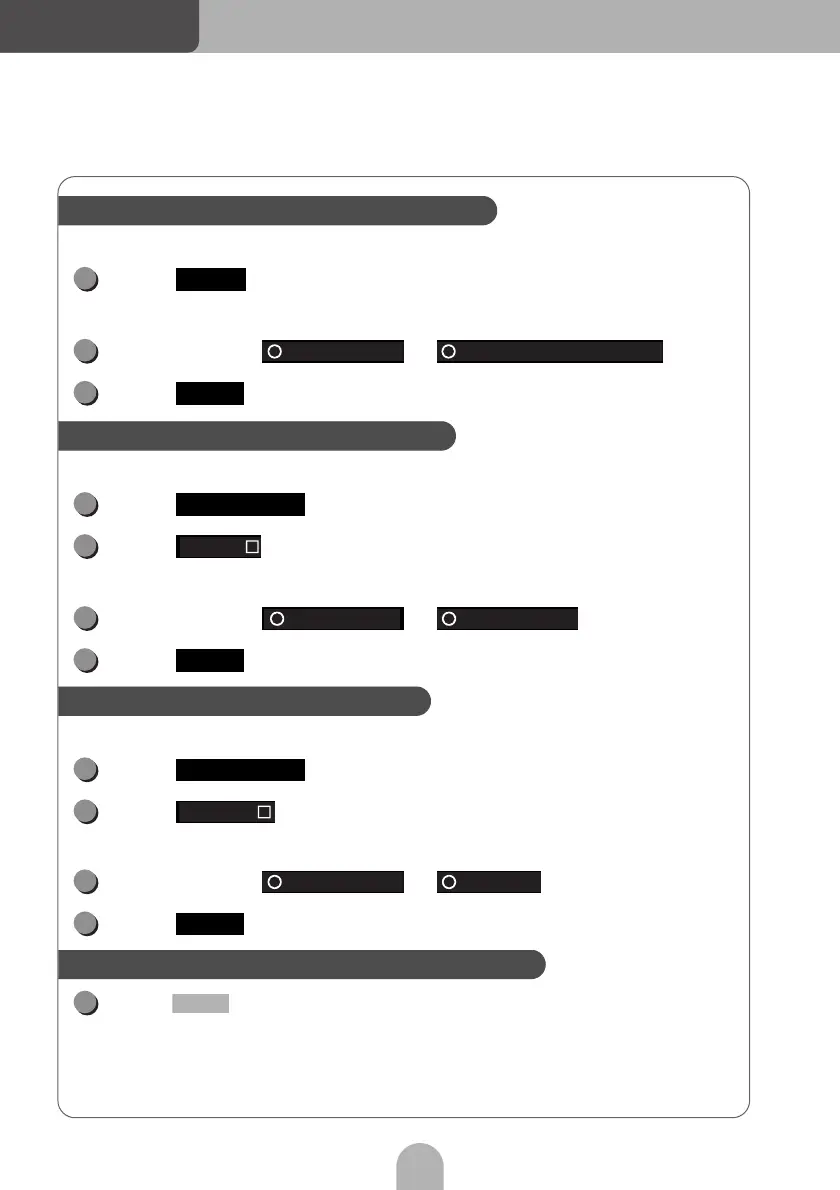
Searching for a song you want to listen to
1
SCAN
2
Current folder First song of each folder
3
Done
Listening to the same song repeatedly
1
Preferences
2
Repeat
3
Current song Current folder
4
Done
Listening to songs in random order
1
Preferences
2
Random
3
Current folder All songs
4
Done
Displaying song information on the sub-display
1
TEXT



 To Next Page