22
Audio/Video operation
2 Picture adjustment
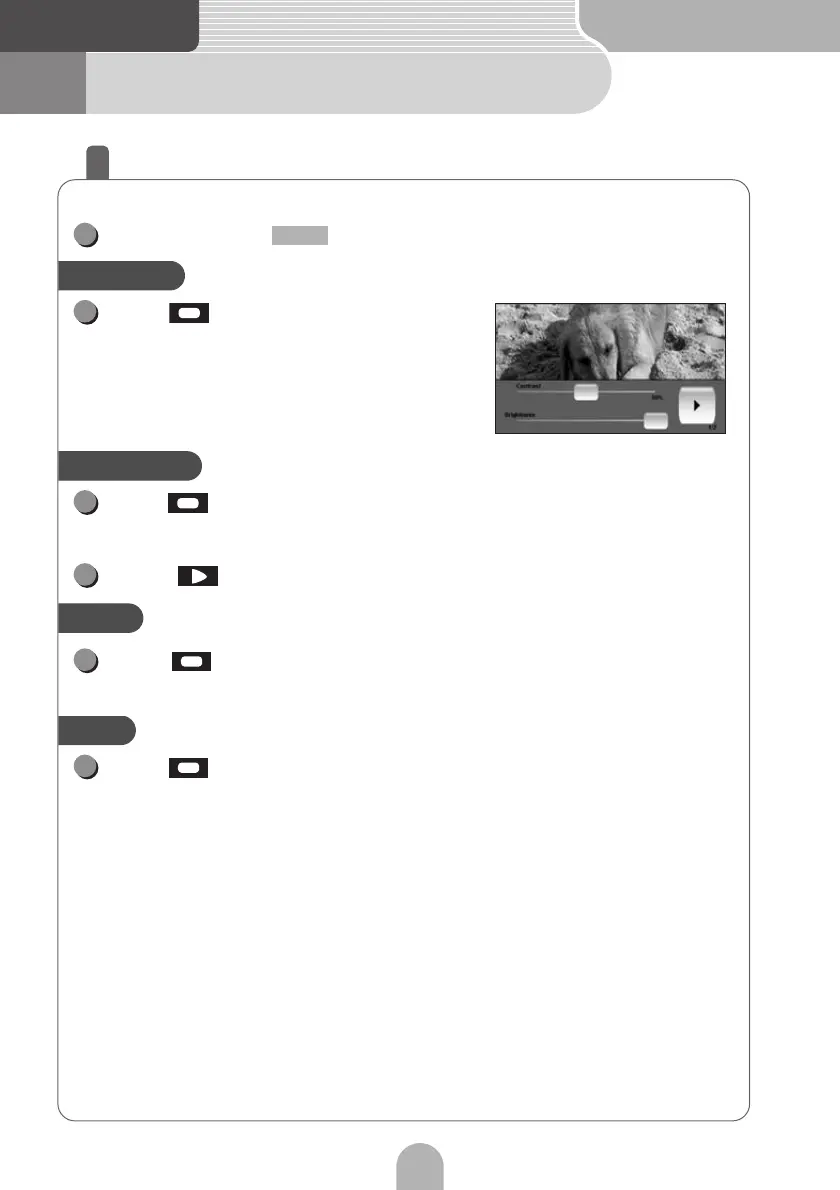
Adjusting the picture
The picture can be adjusted in the DVD, VTR and iPod-video modes.
Press and hold while watching the video.
Slide to the right to strengthen
the contrast, and to the left to
weaken it.
Slide to the right to increase the brightness, and to the left
to decrease it.
Touch to switch to the next page.
Slide to the right to darken the color, and to the left to
lighten it.
Slide to the right to strengthen the green color, and to the
left to strengthen the red color.
1
CTRL
Contrast
1
Brightness
1
2
Color
2
Tint
2



 To Next Page