19
Audio/Video operation
Audio/Video operation
1 Switching audio control modes
Switching audio control modes
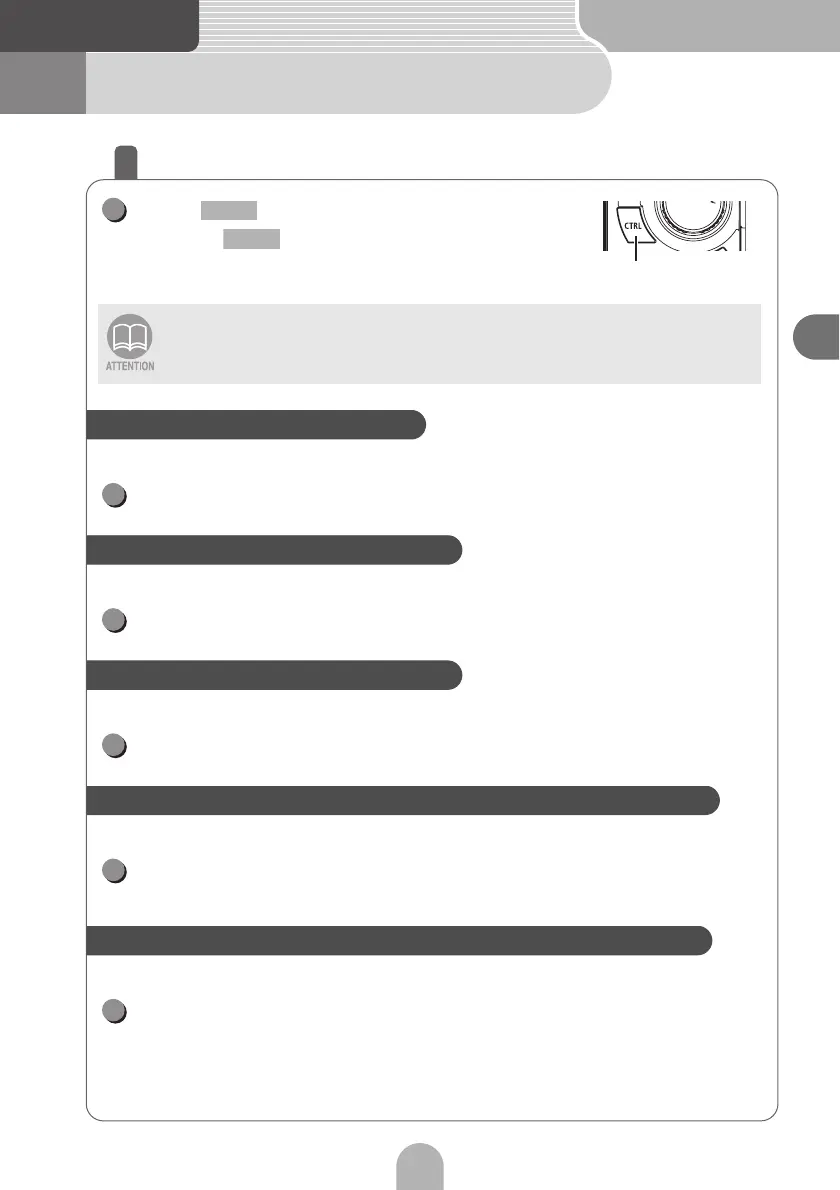
Press .
• Each press of switches the modes as follows.
BASS → MID → TREB → BAL → FAD → NON-F → NON-FP
→ LPF → LOUD → SVC → VOL → BASS → ...
You can adjust the bass level.
Turn the VOL rotary knob to adjust the bass level.
You can adjust the middle level.
Turn the VOL rotary knob to adjust the middle level.
You can adjust the treble level.
Turn the VOL rotary knob to adjust the treble level.
You can adjust the balance of the left and right speakers.
Turn the VOL rotary knob to adjust the balance of the left and
right speakers.
You can adjust the balance of the front and rear speakers.
Turn the VOL rotary knob to adjust the balance of the front and
rear speakers.
The adjustment value can be confirmed on the PND screen (when docked) or the
sub-display (when undocked).
CTRL
1
CTRL
CTRL
To adjust the bass level (BASS)
1
To adjust the middle level (MIDDLE)
1
To adjust the treble level (TREBLE)
1
To adjust the balance of the left and right speakers (BALANCE)
1
To adjust the balance of the front and back speakers (FADER)
1



 To Next Page