40
Audio/Video operation
10 External device operation
Using external devices
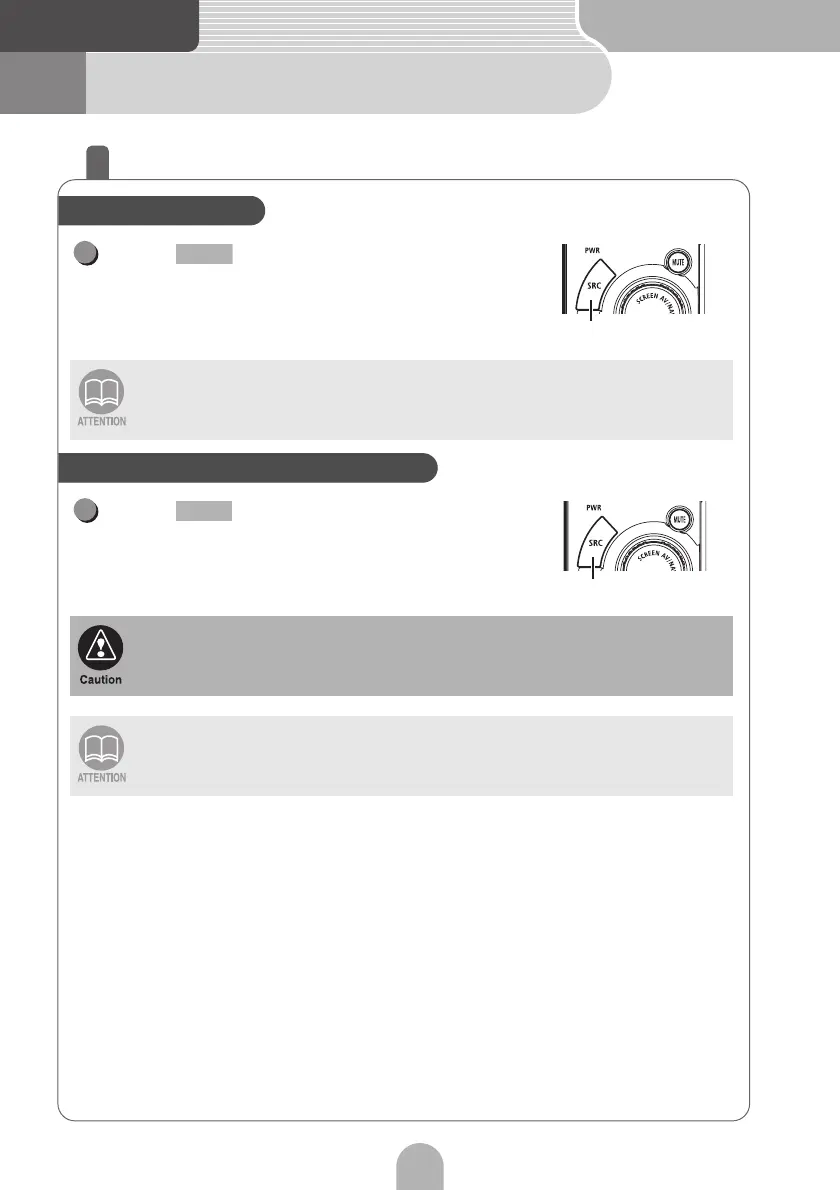
Press repeatedly until "VTR"
appears on the sub-display.
• Playback will begin.
Press repeatedly until "AUX"
appears on the sub-display.
• Playback will begin.
• VTR mode cannot be operated when iPC-409 is connected.
• For safety reasons, only the audio of the VTR plays while the vehicle is in motion.
• Set the VTR setting to ON to use the VTR function.
Please do not operate the portable audio player while driving.
Set the AUX setting to ON to use the AUX function.
Operating the VTR
SRC
1
SRC
Listening to a portable audio player
SRC
1
SRC



 To Next Page