9
Introduction
Introduction
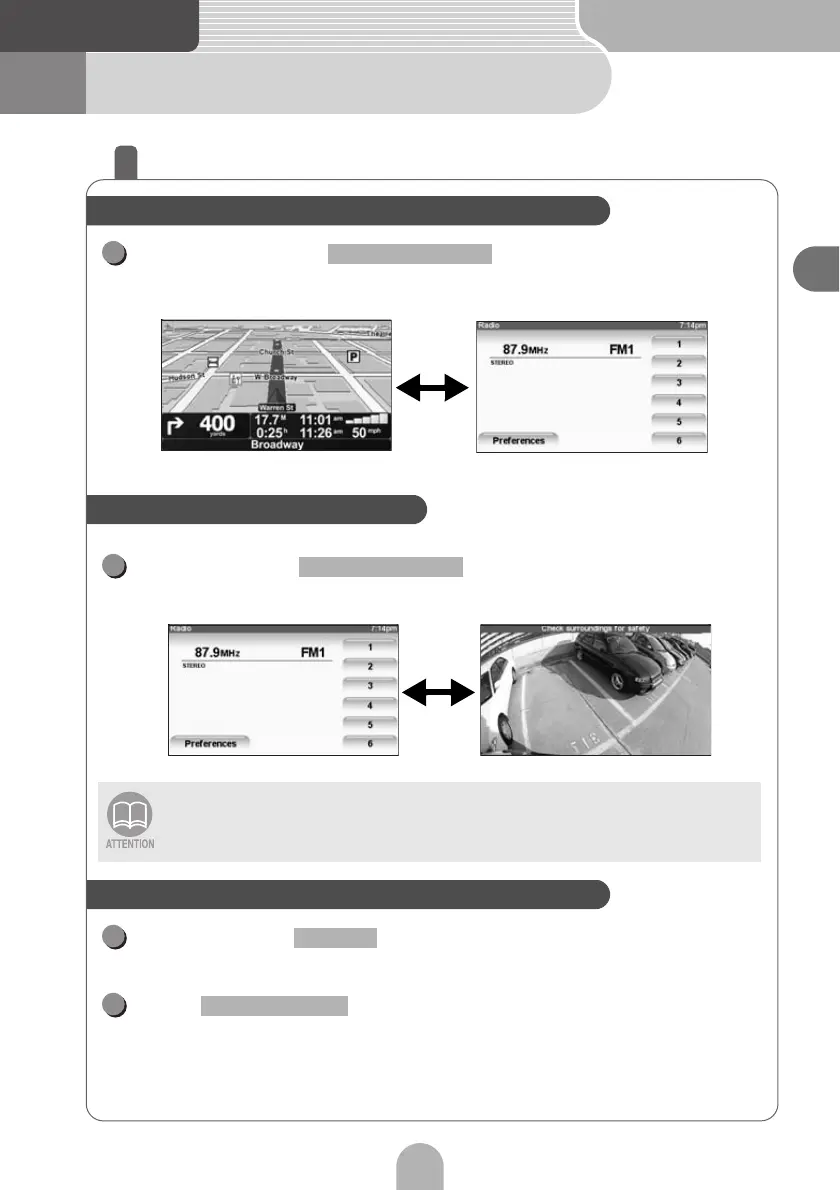
2 About the screens
How to switch screens
Each time you press the display switches between
the audio screen and the navigation screen.
Press and hold .
• The camera screen is displayed.
Press and hold while the PND display is ON.
• The PND display will go OFF.
Press while the PND display is OFF.
• The PND display turns ON.
The camera screen will only be displayed when a Rear View camera (optionally-
available) is connected.
Switching Between the Audio and Navigation Screen
1
SCREEN AV/NAV
Switching to the camera screen
1
SCREEN AV/NAV
Turning the PND Display ON and OFF
1
MUTE
1
SCREEN AV/NAV



 To Next Page