25
Audio/Video operation
Choose a preset switch between 1
and 6 and touch it until a "beep"
sound is heard.
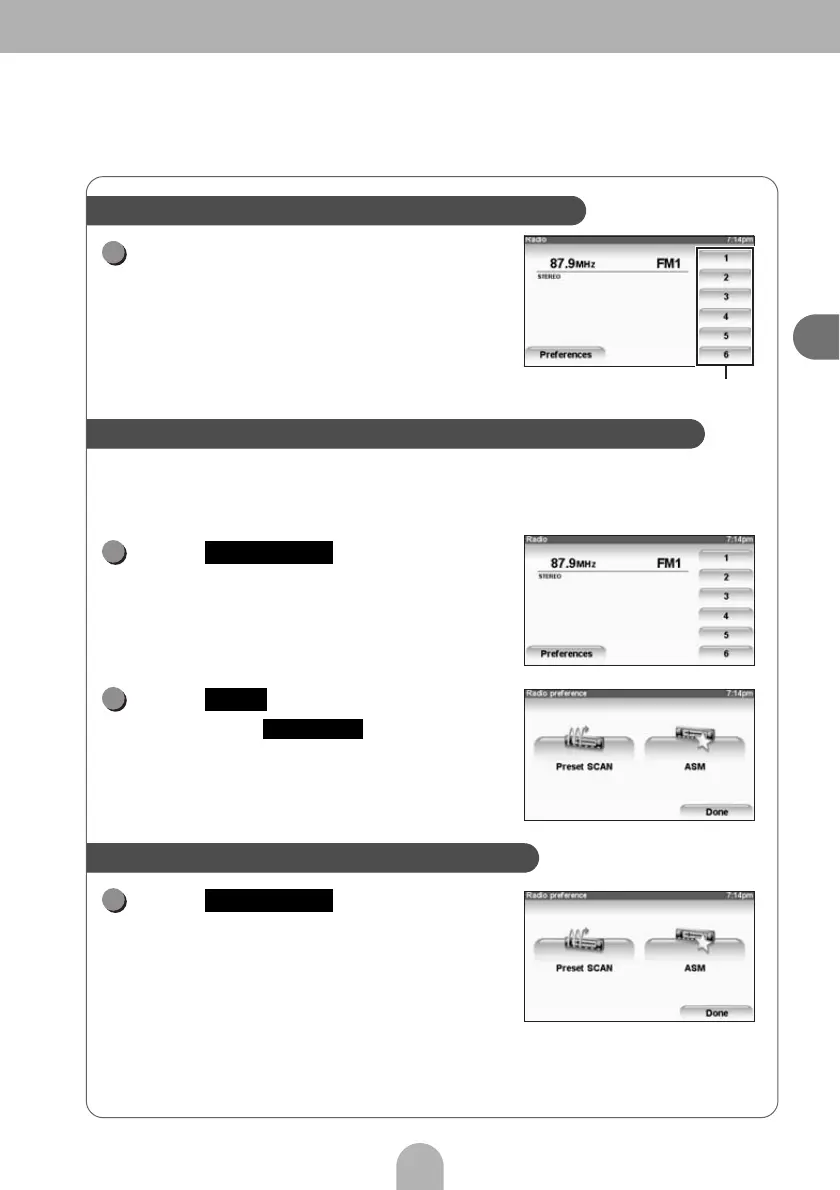
• To select a broadcast station from the preset
switches, touch the desired broadcast station
number on the PND.
A search will be conducted from the lowest frequency through
progressively higher frequencies and stations with strong reception will be
memorized for preset registration numbers [1] to [6].
Touch .
Touch .
• To stop ASM, press .
Touch .
• You can listen to the broadcast stations stored to
preset switches 1 to 6 in order.
Store broadcast stations into preset switches
Preset switches
1
Automatically search for broadcast stations and store them
1
Preferences
2
ASM
Stop ASM
Listen to stored broadcast stations in order
1
Preset SCAN



 To Next Page