27
Audio/Video operation
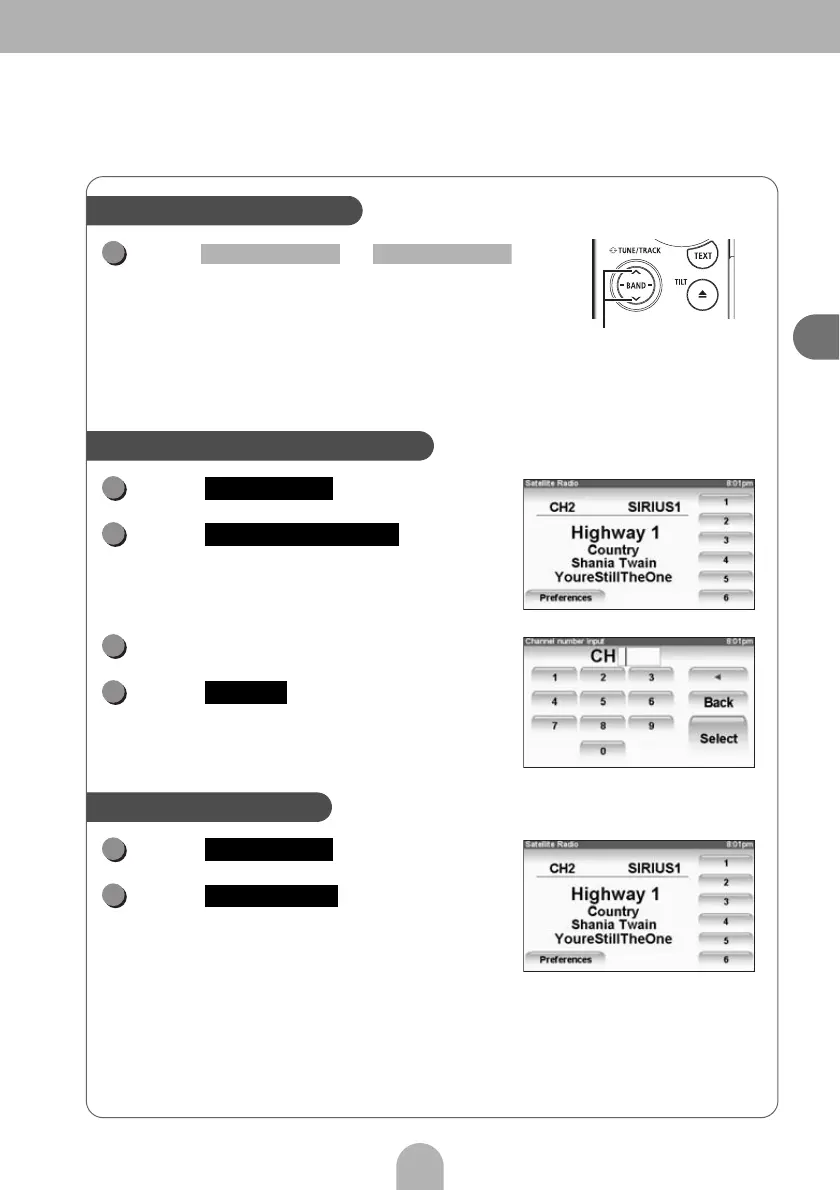
Press or .
• Upper: Searches towards higher channels within a
category.
• Lower: Searches towards lower channels within a
category.
• Upper (at least one second): Switches to the next category.
• Lower (at least one second): Switches to the previous category.
Touch .
Touch .
Input a channel.
Touch .
Touch .
Touch .
Search within a category
Category selection button
1
SELECT (Upper) SELECT (Lower)
Select a channel by direct input
1
Preferences
2
Direct CH selection
3
4
Select
Perform preset scan
1
Preferences
2
Preset SCAN



 To Next Page