34
Audio/Video operation
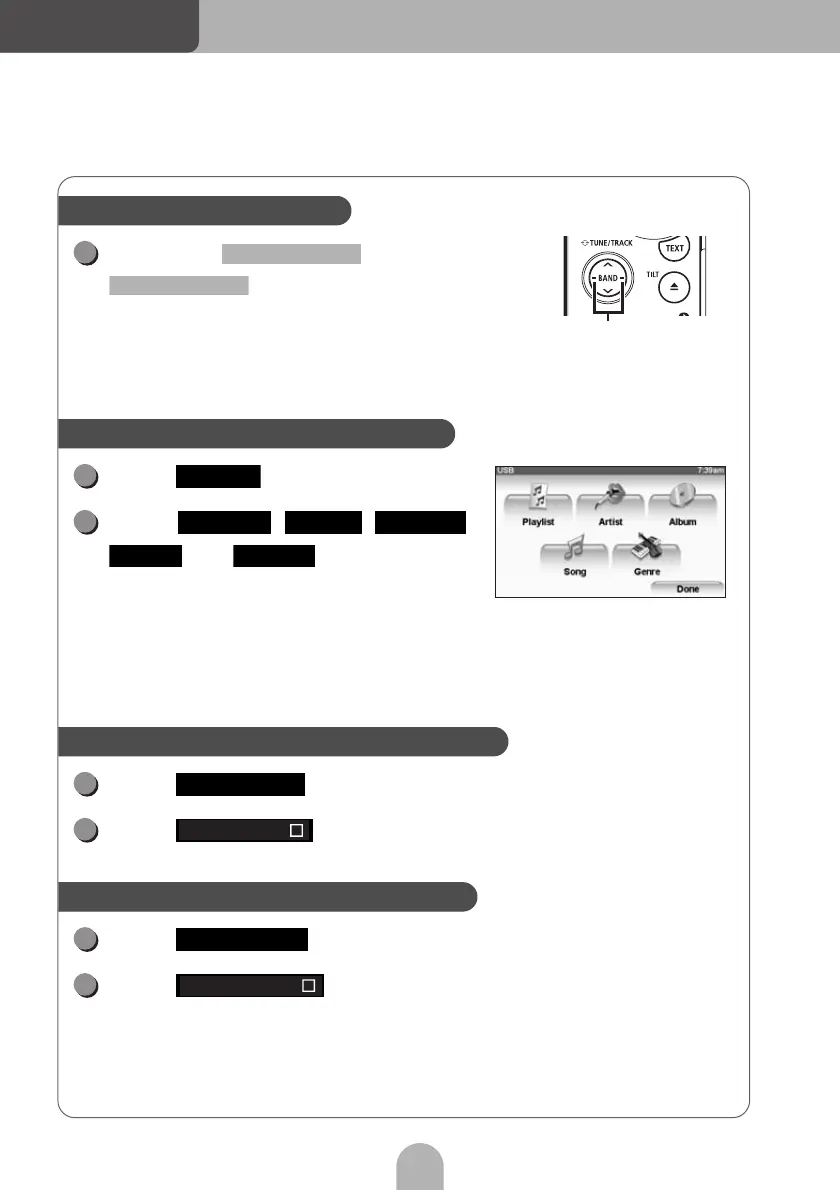
Hold down or
for more than one
second.
• Right :
Fast forward.
• Left :
Rewind.
Touch .
Touch , , ,
or to select the
song you want to play.
Refer to the web manual for details on how to
select songs (files) in the USB music file player.
Touch .
Touch .
Touch .
Touch .
Fast-forwarding/rewinding
Fast-forward, rewind buttons
1
SELECT (Right)
SELECT (Left)
Searching for a song in various ways
Search mode screen
1
Select
2
Playlist Artist Album
Song Genre
Listening to the same music file repeatedly
1
Preferences
2
Repeat song
Listening to music files in random order
1
Preferences
2
Shuffle songs



 To Next Page