HCAT TE - HCAN TE
29English 04/03
If the parameters set on the microprocessor require verifi-
cation or modification, a password must be used to enter a
higher level, accessible to authorised service centres only.
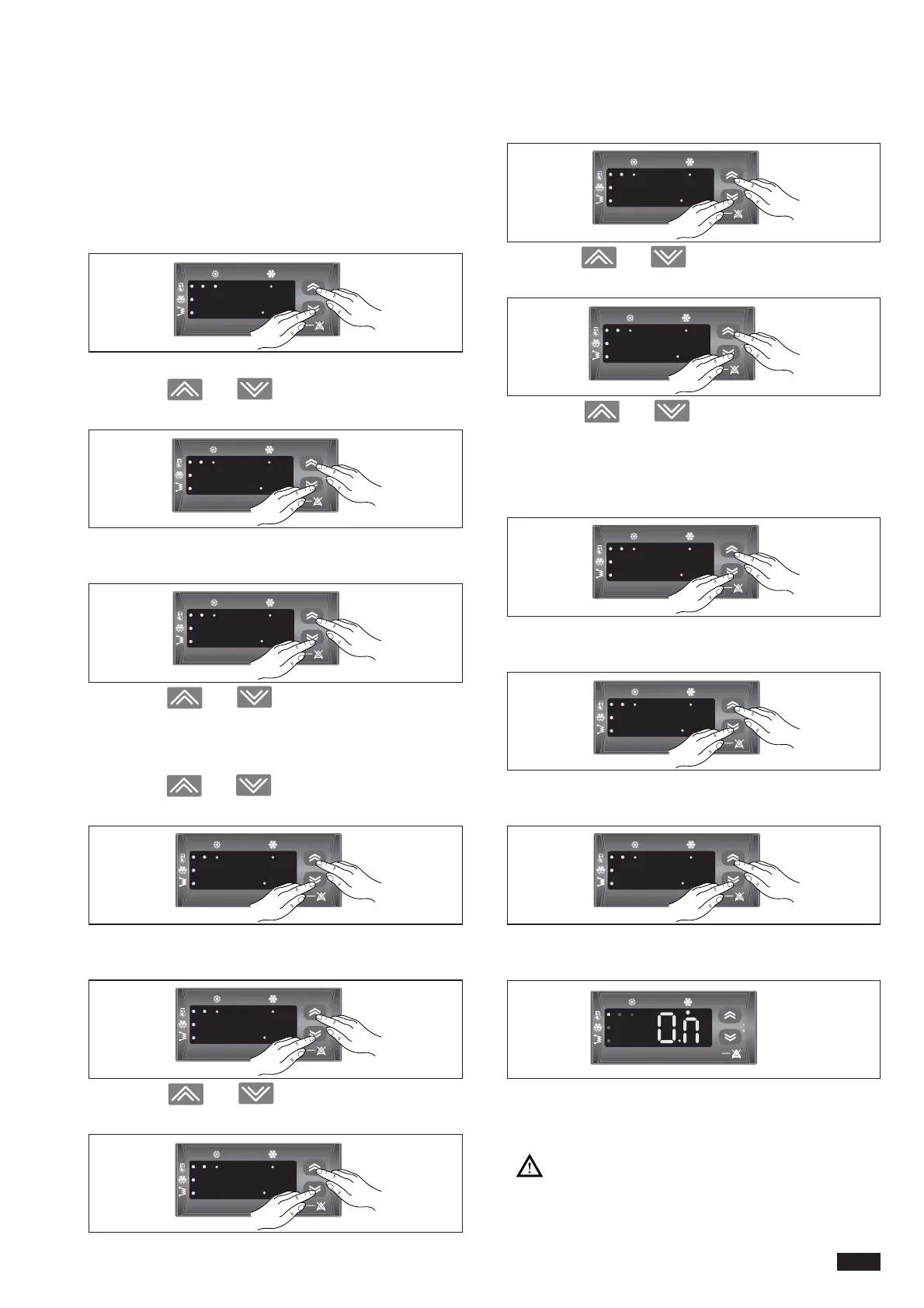
Follow the instructions below:
- press the ON-OFF key;
- press the ON/OFF and MODE keys together for one
second;
the tP parameter appears on the display;
-press the and keys to select the Pss para-
meter;
-press the ON/OFF and MODE keys together for one
second;
-press the and keys to select the password
parameter;
-press the ON/OFF and MODE keys together for more
than two seconds to confirm the password;
-press the and keys to select the PAr para-
meter;
-press the ON/OFF and MODE keys together for one
second;
-press the and keys to select the family of
parameters to modify or display;
-press the ON/OFF and MODE keys together for one
second;
-press the and keys to display the number of
the parameter selected;
-press the and keys to modify the value of
the parameter selected;
-setting completed.
-press the ON/OFF and MODE keys together for more
than two seconds;
-press the ON/OFF and MODE keys together again for
more than two seconds;
-press the ON/OFF and MODE keys together again for
more than two seconds;
-press the ON/OFF and MODE keys together again for
more than two seconds;
The word "On" is displayed, together with either the heat-
ing or cooling LED depending on the mode selected.
For the list of parameters, contact the authorised
service centre.



 To Next Page