6.6 Wind Display
Press the [WIND +] button to switch between average wind speed, wind
gust and wind direction.
Wind speed is defined as the average wind speed in the 16 second
update period.
Wind gust is defined as the peak wind speed in the 16 second update
period.
6.7 Temperature Display
If temperature is lower than minimum range, the temperature field will
display dashes (--.-). If temperature is higher than maximum range, the
temperature field will display dashes (--.-).
6.7.1 Wind Chill, Dew Point and Heat Index Display
Press the [TEMP] button to switch between Outdoor Temperature, Wind
Chill, Dew Point, Heat Index.
6.8 Alarm mode
6.8.1 Display of Alarm value
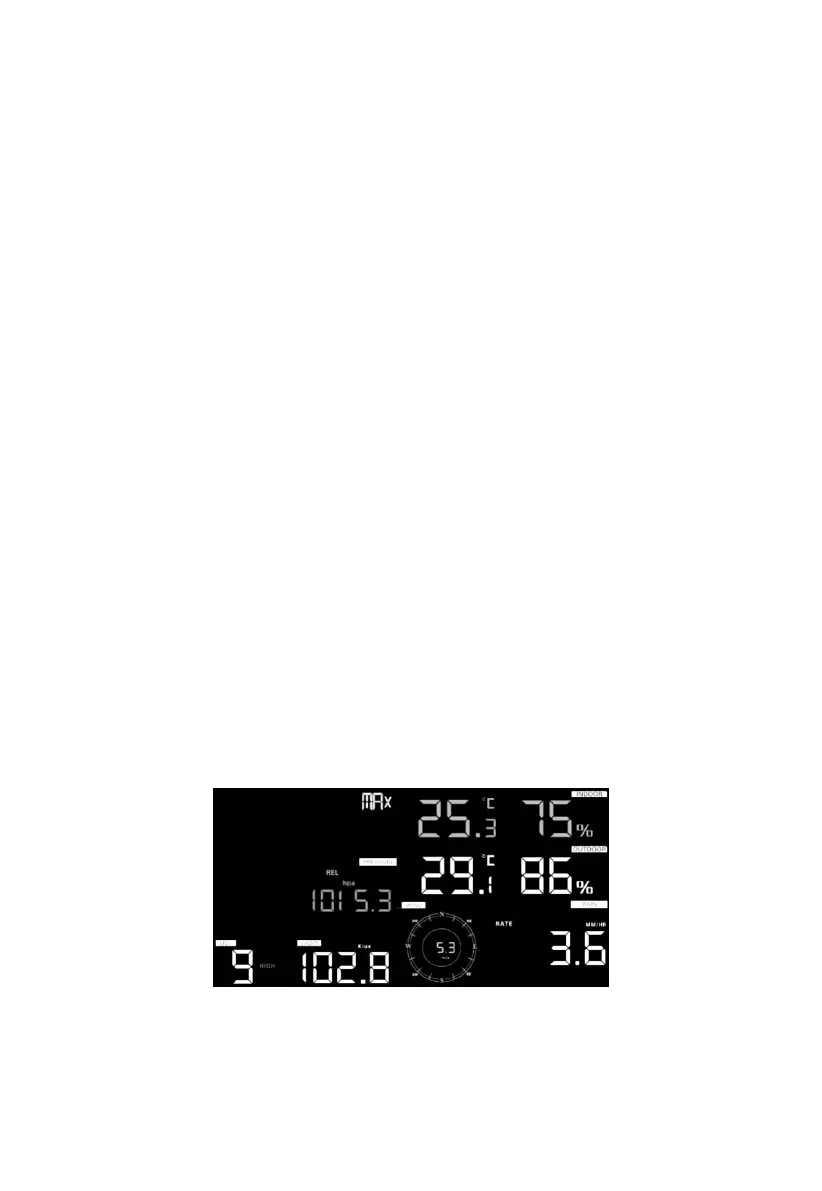
1) Press and release ALARM button to display high alarm
Figure 18
2) Press ALARM button again to display low alarm


 To Next Page