Table 7: Tendency indicators summarization
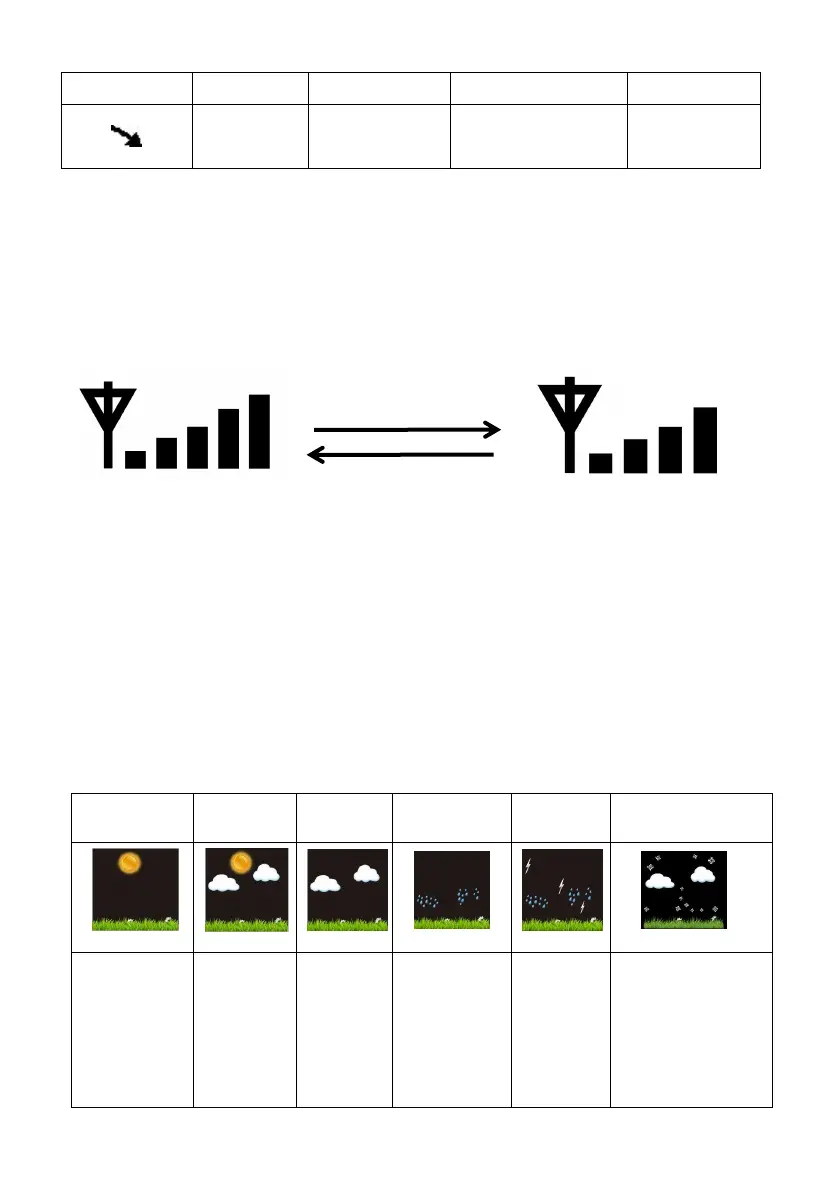
6.12.2 Wireless Signal Strength Indicator
The wireless signal strength displays reception quality. If no signal is lost,
the signal strength indicator will display 5 bars. If the signal is lost once,
four bars will be displayed, as show in Figure 22.
Figure 22
6.12.3 Weather Forecasting
The six weather icons are Sunny, Partly Cloudy, Cloudy, Rainy, Stormy
and Snowy.
The forecast icon is based on the rate of change of barometric pressure.
Please allow at least one month for the weather station to learn the
barometric pressure over time.
Pressure
increases for
a sustained
period of
time
Pressure
increases
slightly or initial power up
Pressure
decreases
slightly
Pressure
decreases for
a sustained
period of
time
Pressure decreases
for a sustained
period of time and
temperature is
below
freezing



 To Next Page