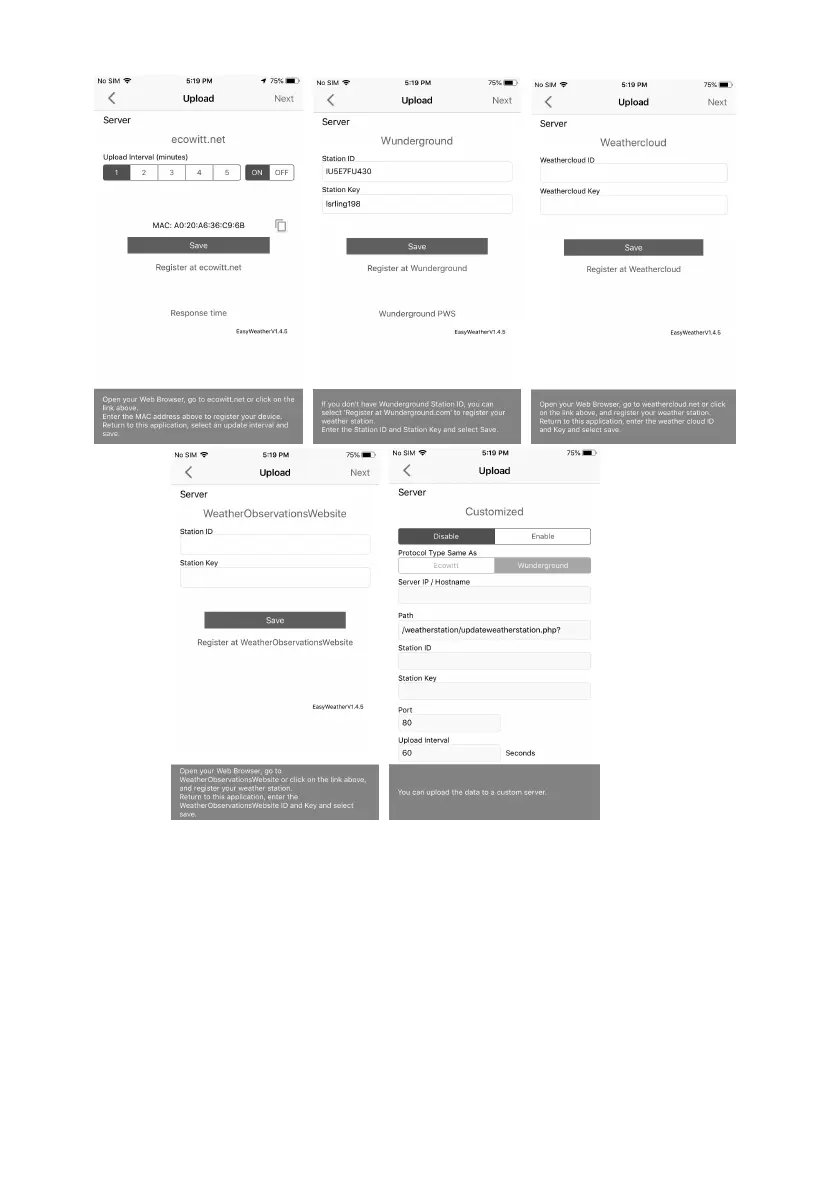
Figure 24
7.2.1 Ecowitt Weather
It’s recommended to use the Ecowitt Weather server to monitor and record
your sensors’ data. Configure as follows:
On the ecowitt.net uploading page, enable the ON button (displayed
blue) and set the uploading interval time.
Press Save on the page.
Press “Register at ecowitt.net” and finish the registration on the page.



 To Next Page