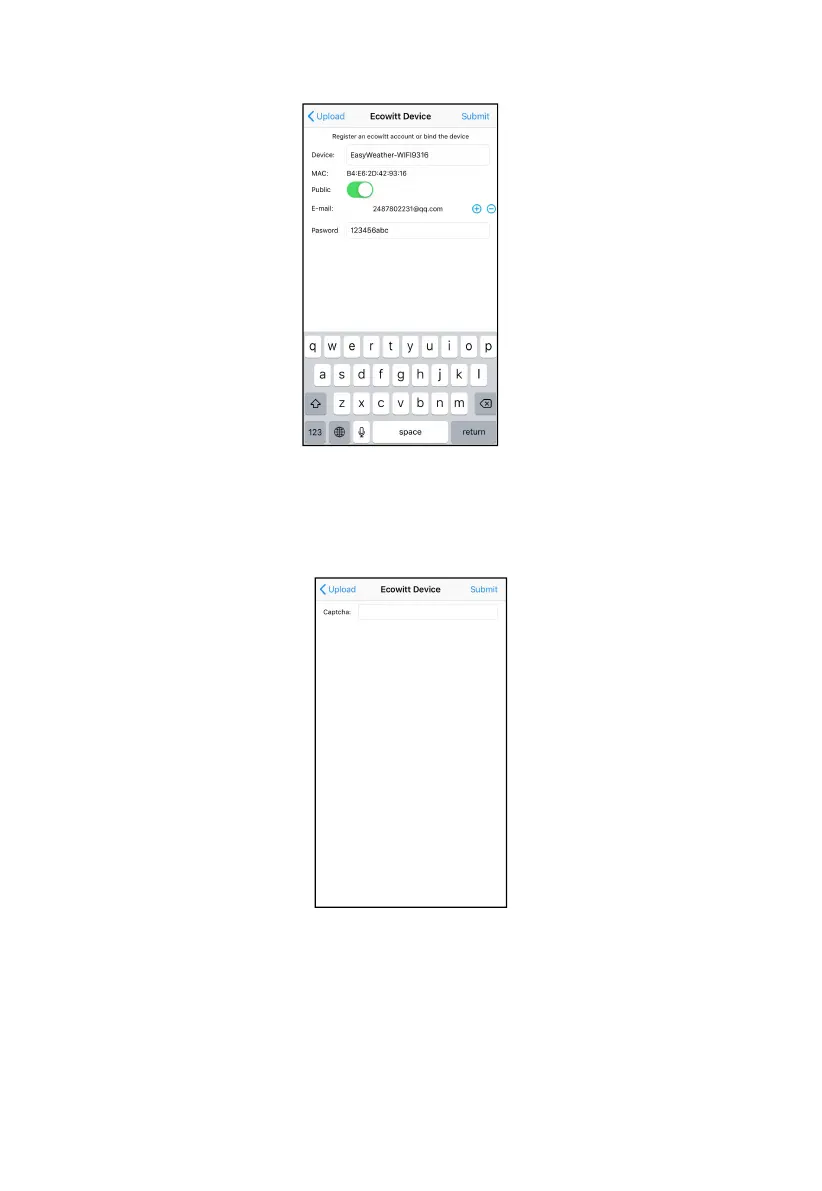
Press the “+” button and select enter your email address.
Set a password for your ecowitt account
Press Submit.
Enter the captcha you received from your email box and press submit.
It will jump to the ecowitt.net dashboard and display the sensor data
within several minutes.
Note:
If you could not receive the captcha from your email box, please check the
spam.



 To Next Page