6) Outdoor high temperature setting
7) Outdoor low temperature setting
8) Outdoor high humidity setting
9) Outdoor low humidity setting
10) High wind setting
11) High gust setting
12) Rain rate high setting
13) Rain day high setting
6.9 Max/Min Mode
6.9.1 Viewing Max/Min Values
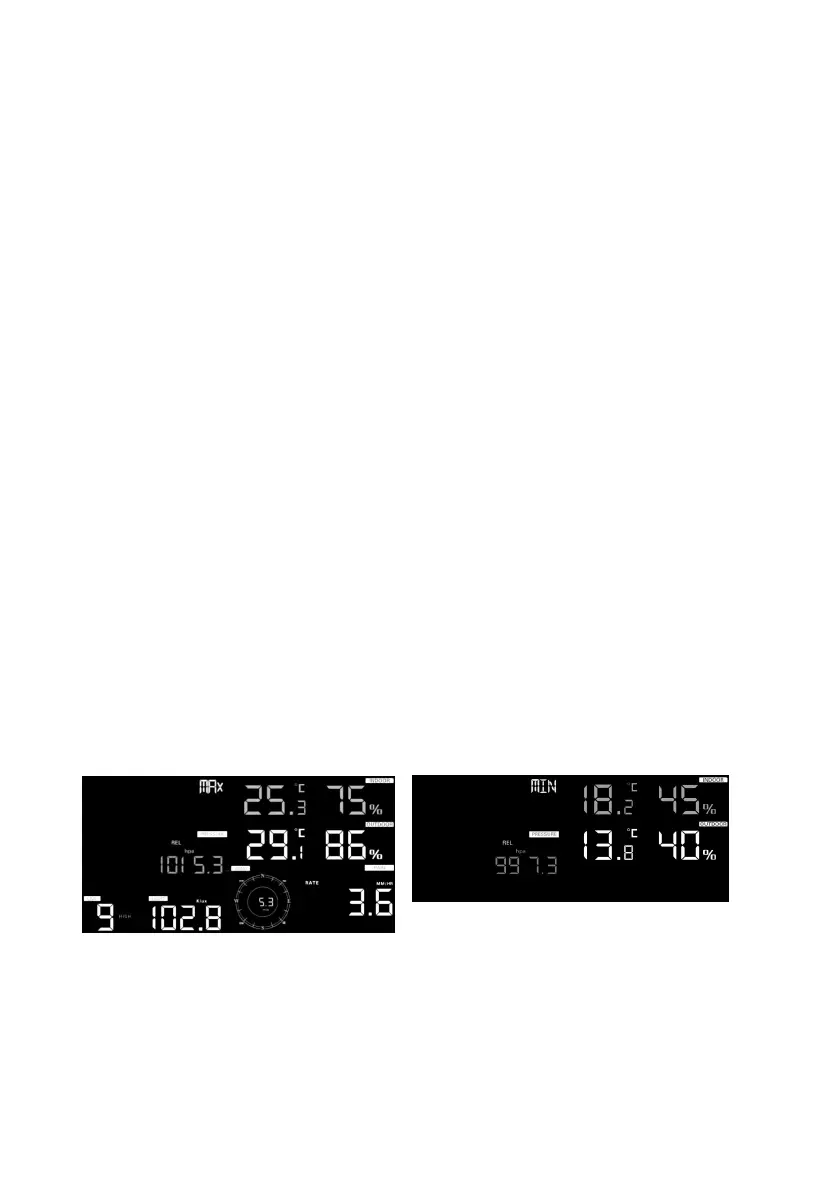
To view the max values, press (do not hold) the MAX/MIN button, and the
max values will be displayed, as shown in Figure 20 (a). To clear the max
values, press and hold the MAX/MIN button while the max values are
displayed.
To view the min values, press the MAX/MIN button again, and the min
values will be displayed, as shown in Figure 20 (b). To clear the min values,
press and hold the MAX/MIN button while the min values are displayed.
To return to normal mode, press the MAX/MIN button again or press
LIGHT /SNOOZE button.
Figure 20



 To Next Page