6.9.2 Calibration mode
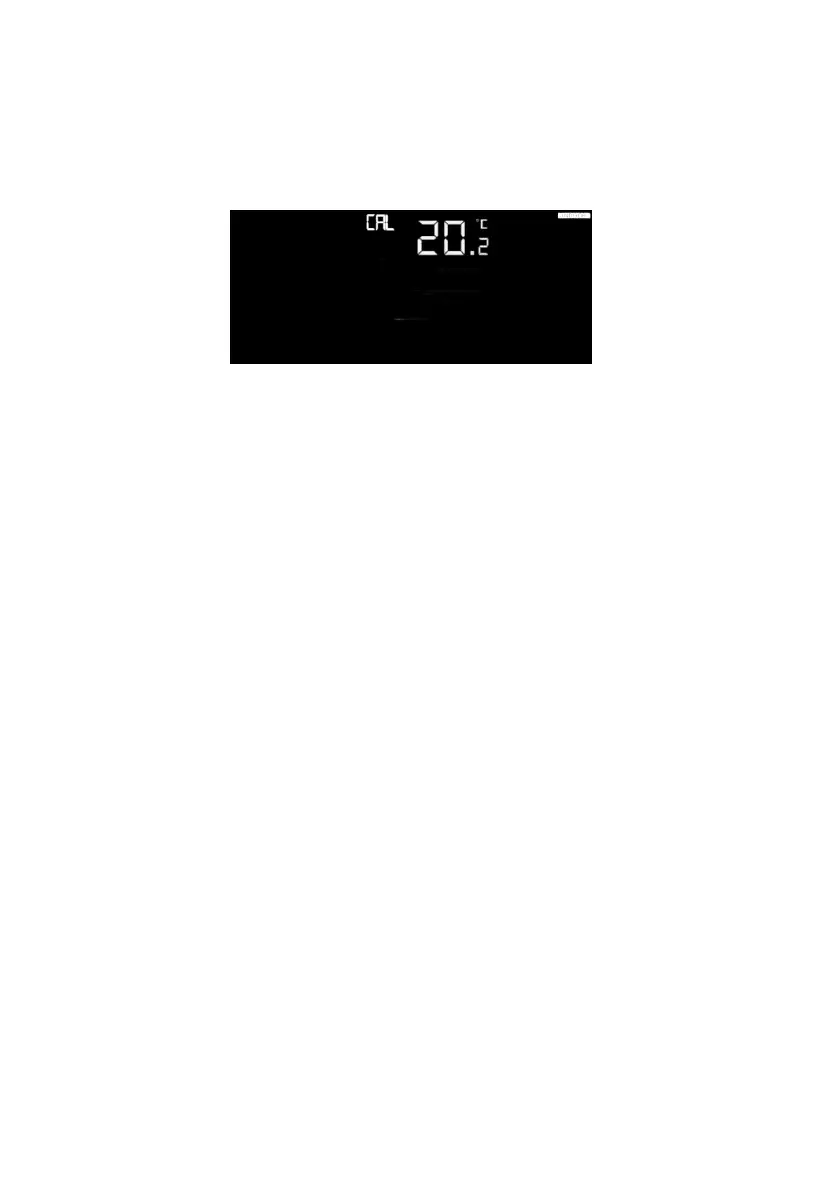
Press and hold the TEMP. and MAX/MIN button together for 5 seconds to
enter calibration mode. The CAL icon will be displayed.
Figure 21
- Press the WIND/+and PRESSURE/- button to adjust values.
- Press the SET button to confirm & move to the next setting.
- Press the ALARM button to reset any adjusted value.
- Press the LIGHT /SNOOZE button at any time to exit.
6.9.2.1 Calibration Order:
1) Indoor temperature offset calibrated (range +/-5˚C, default: 0 degrees)
2) Indoor humidity offset calibrated (range +/-10%)
3) Outdoor temperature offset calibrated (range +/-5˚C, default: 0 degrees)
4) Outdoor humidity offset calibrated (range +/-10%)
5) Absolute pressure offset calibrated (± 10 hPa (± 2.95 inHg))
6) Wind direction offset calibrated (± 180 °)
7) Wind speed factor adjust, default 1 (range 0.5 to 1.5)
8) Rain factor adjust, default 1 (range 0.5 to 1.5)
6.9.3 Calibration Discussion
The purpose of calibration is to fine tune or correct for any sensor error
associated with the devices margin of error. Errors can occur due to
electronic variation (example, the temperature sensor is a resistive thermal
device or RTD, the humidity sensor is a capacitance device), mechanical
variation, or degradation (wearing of moving parts, contamination of
sensors).


 To Next Page