Chapter 3
H110M-C3V/H110M-C3D USER MANUAL
49
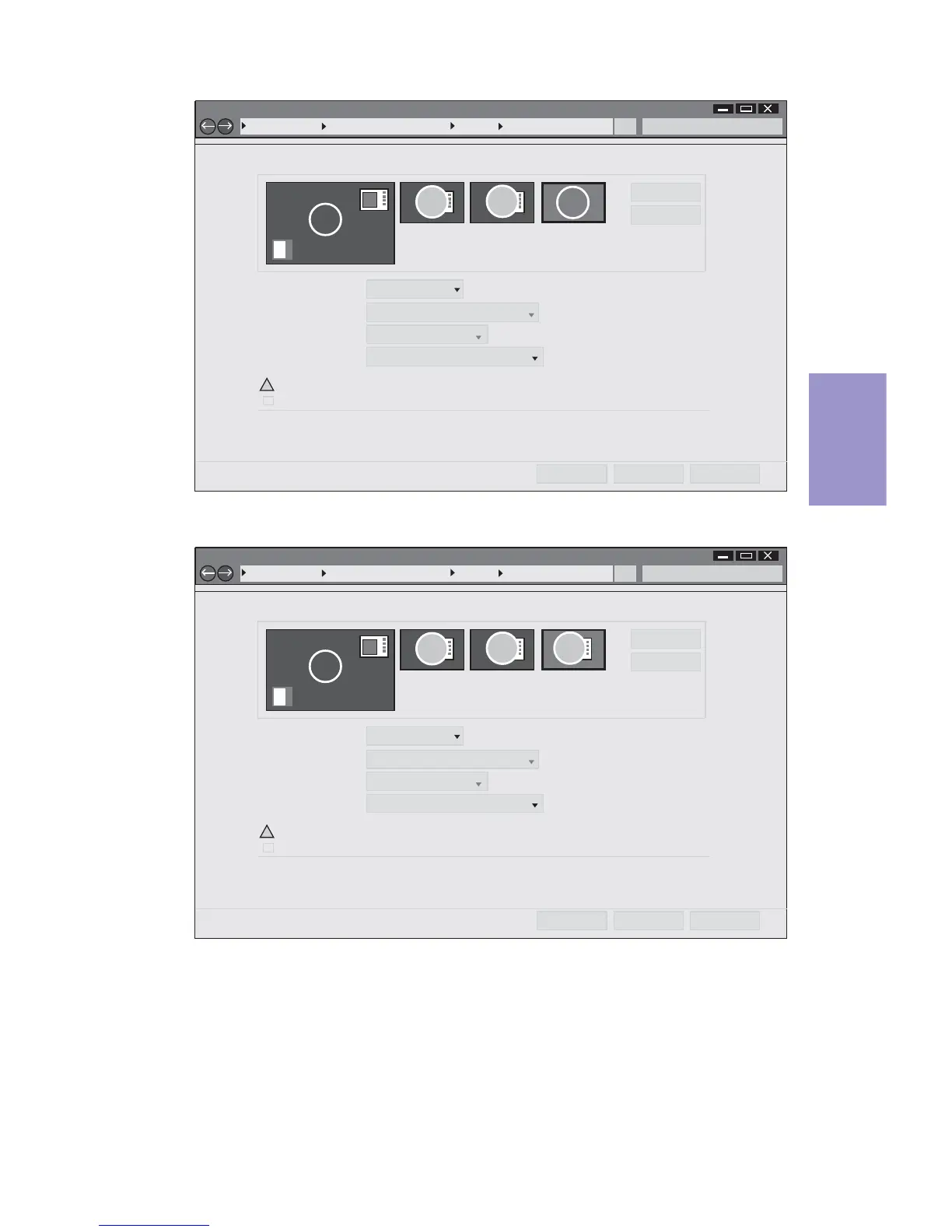
Change the apprearance of your displays
Control Panel All Control Panel Items Display Screen Resolution
Search Control Panel
1
Detect
Identify
4. AL1717Display:
Resolution:
1920 x 1200 (recommended)
Orientation: Landscape
Disconnect this displayMultiple displays:
Make this my main display
Advance settings
Make text and other items larger or smaller
What display settings should I choose?
OK Cancel Apply
2
You must select Apply before making additional changes.
!
3
4
3
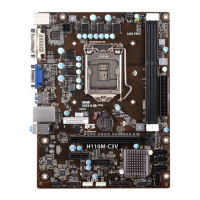
Change the apprearance of your displays
Control Panel All Control Panel Items Display Screen Resolution
Search Control Panel
1
Detect
Identify
4. AL1717Display:
Resolution:
1920 x 1200 (recommended)
Orientation: Landscape
Extend desktop to this displayMultiple displays:
Make this my main display
Advance settings
Make text and other items larger or smaller
What display settings should I choose?
OK Cancel Apply
2
You must select Apply before making additional changes.
!
3
4



 To Next Page