29
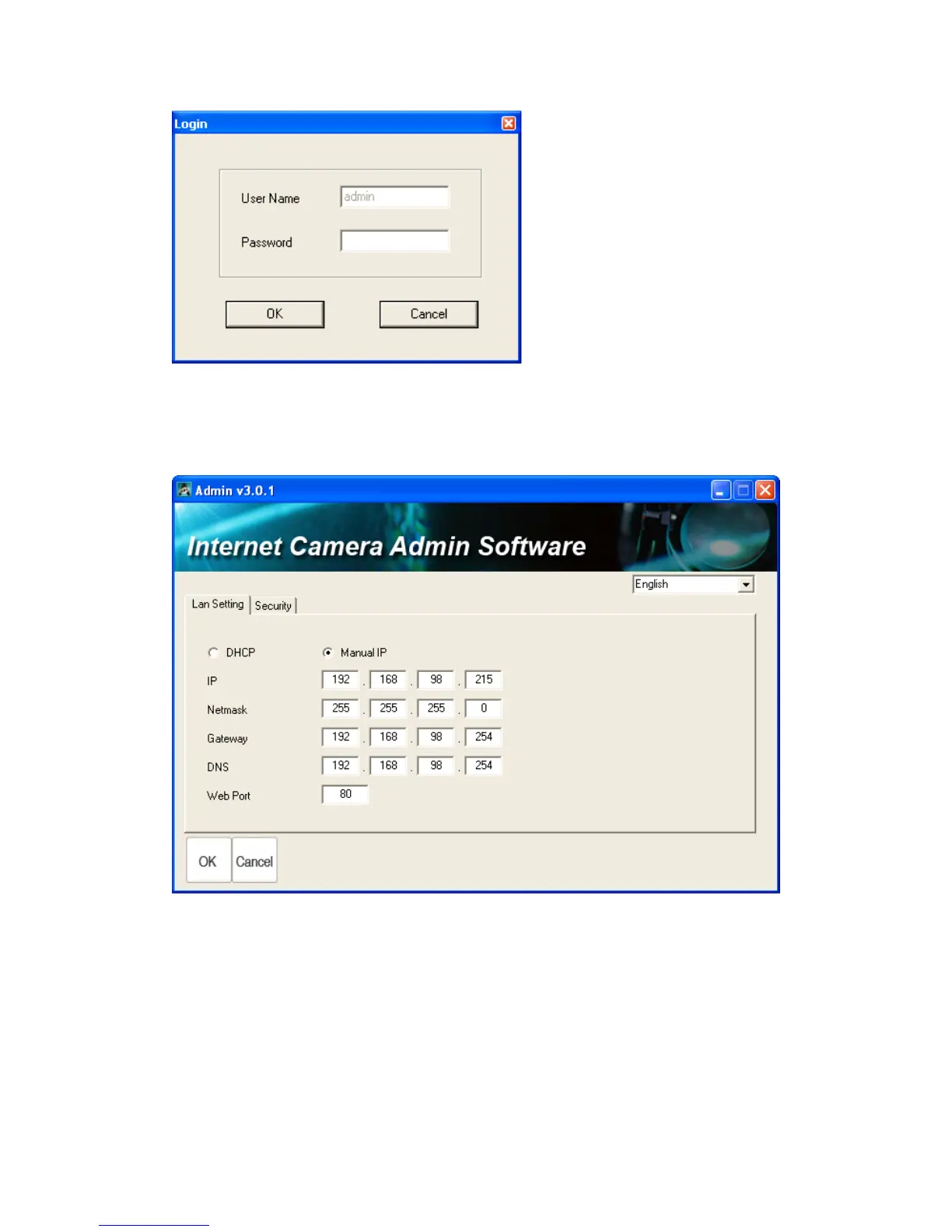
Input the password (default: 1234) and click OK to configure the camera‟s
network and security setting:
In „Lan Setting‟ page, you can configure camera‟s network settings. Select
„DHCP‟ to set the camera to obtain an IP address from DHCP server on local
area network automatically, and select „Manual IP‟ to input the IP address
information manually. Click „OK‟ to save settings.



 To Next Page