30
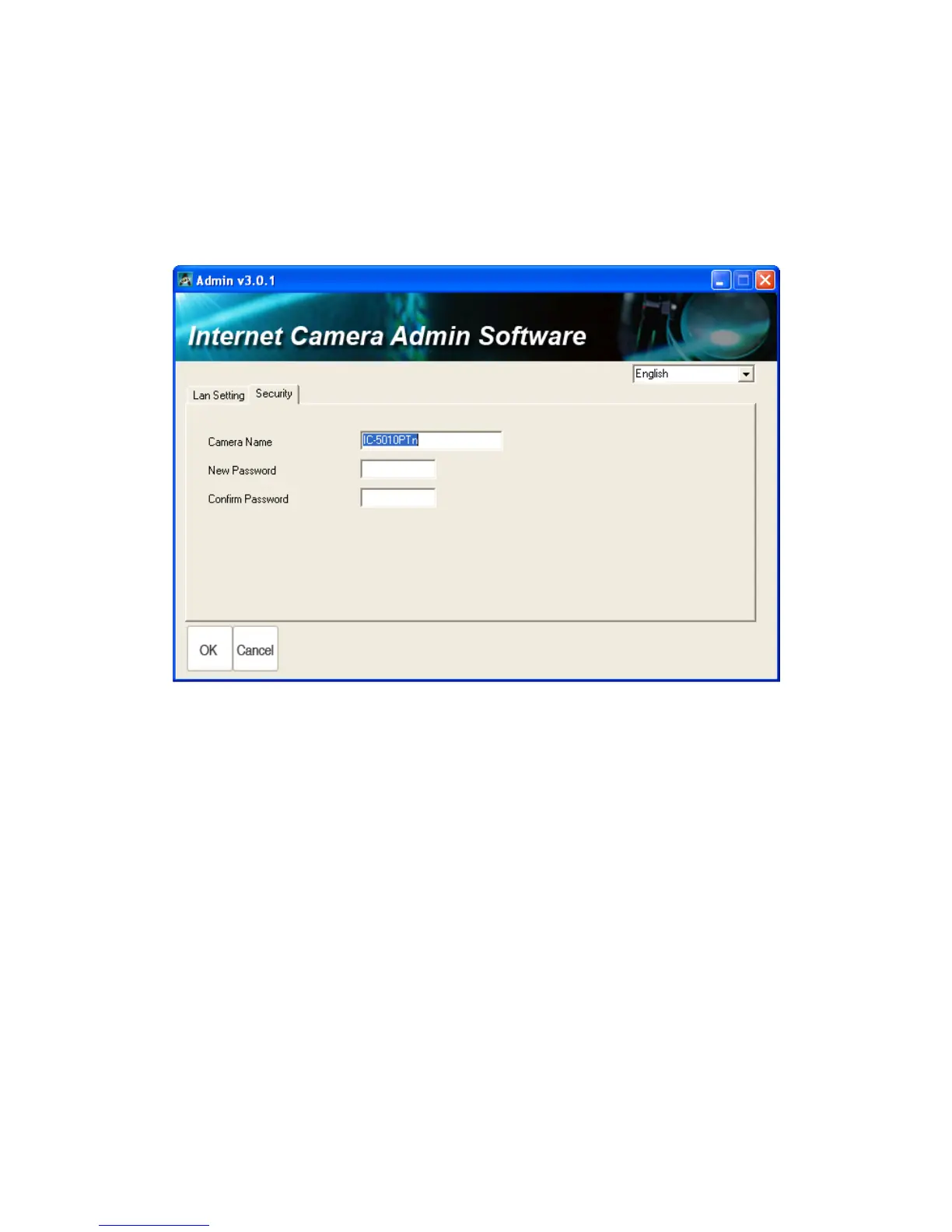
In „Security‟ page, you can change the camera‟s name and password (user
name is always „admin‟ and cannot be changed). You have to input the same
password in both „New Password‟ and „Confirm Password‟ field, or you‟ll be
prompted to input new password again. Click „OK‟ to save settings or click
„Cancel‟ to discard changes.



 To Next Page