131
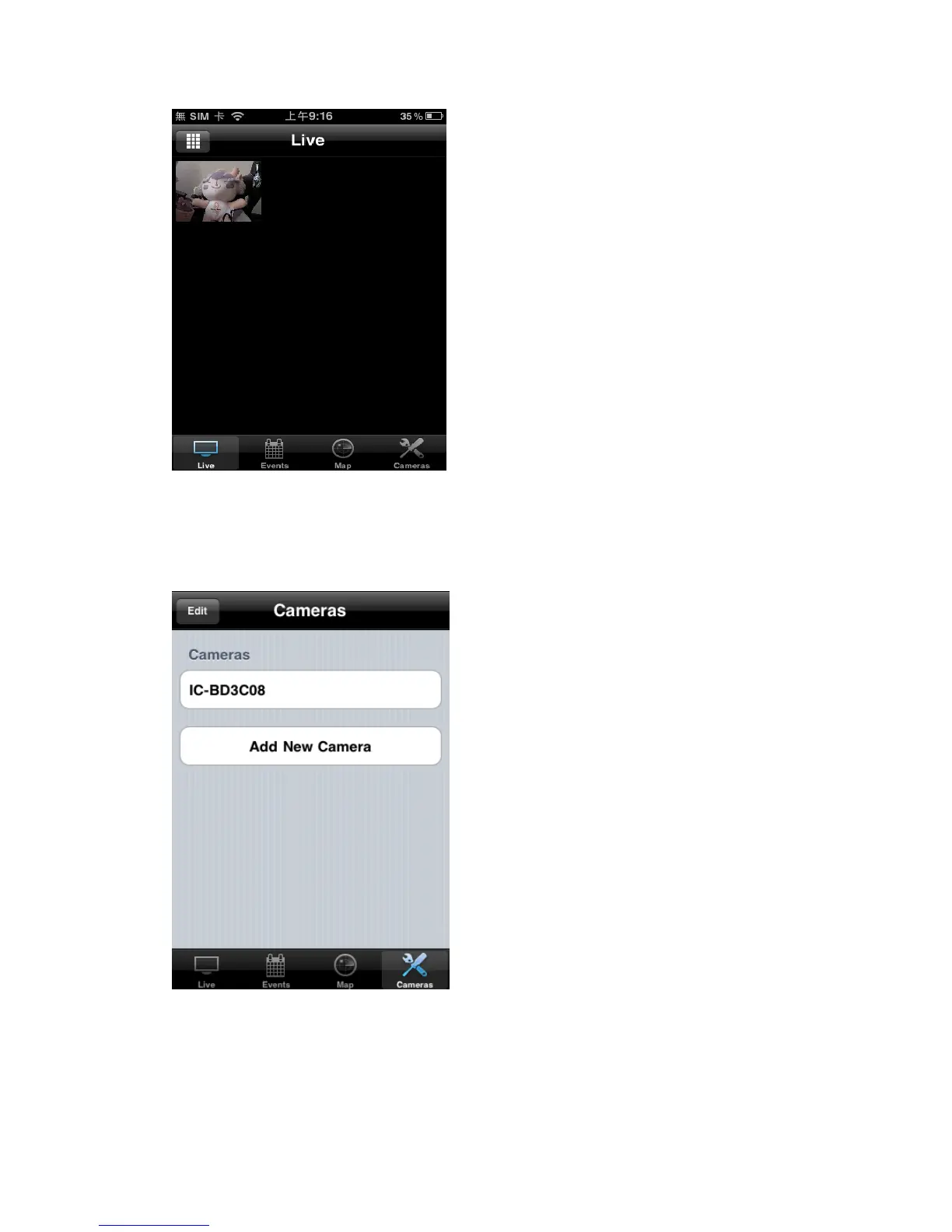
You can click this button repeatedly to switch 1 camera / 4 cameras / 12
cameras view.
You can manage network cameras in „Cameras‟ list. To add a new network
camera, click „Add New Camera‟.
EdiView will search for network camera on your local area network, and
list all network cameras found here.



 To Next Page