132
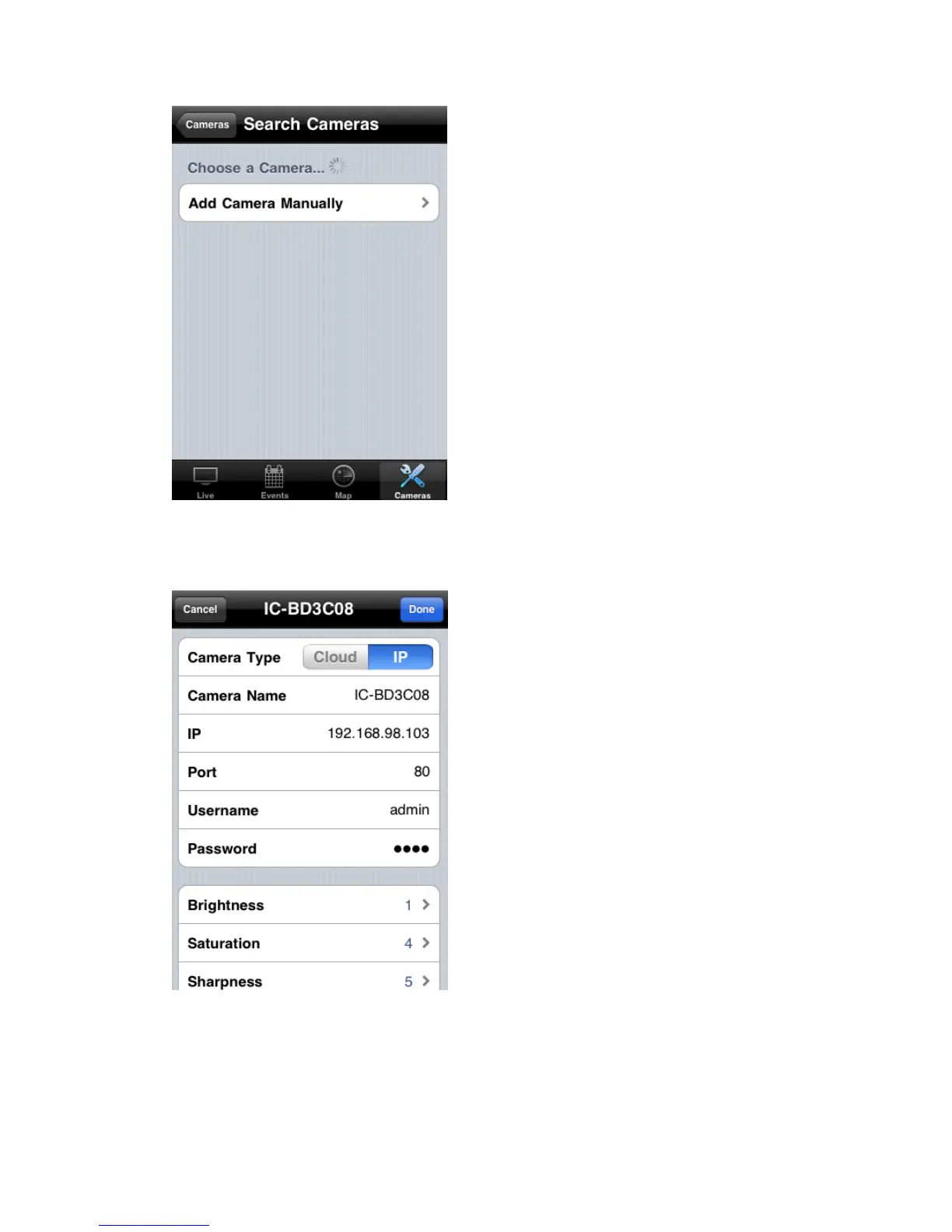
To add an network camera manually or add an network camera on
Internet, click ‘Add Camera Manually’ button.
In this page, you can input network camera‟s parameters manually
Camera Type: Switch operating mode between Cloud and IP. In cloud
mode you have to input Cloud ID**; In IP mode you have to input IP
address or host name of network camera.



 To Next Page