133
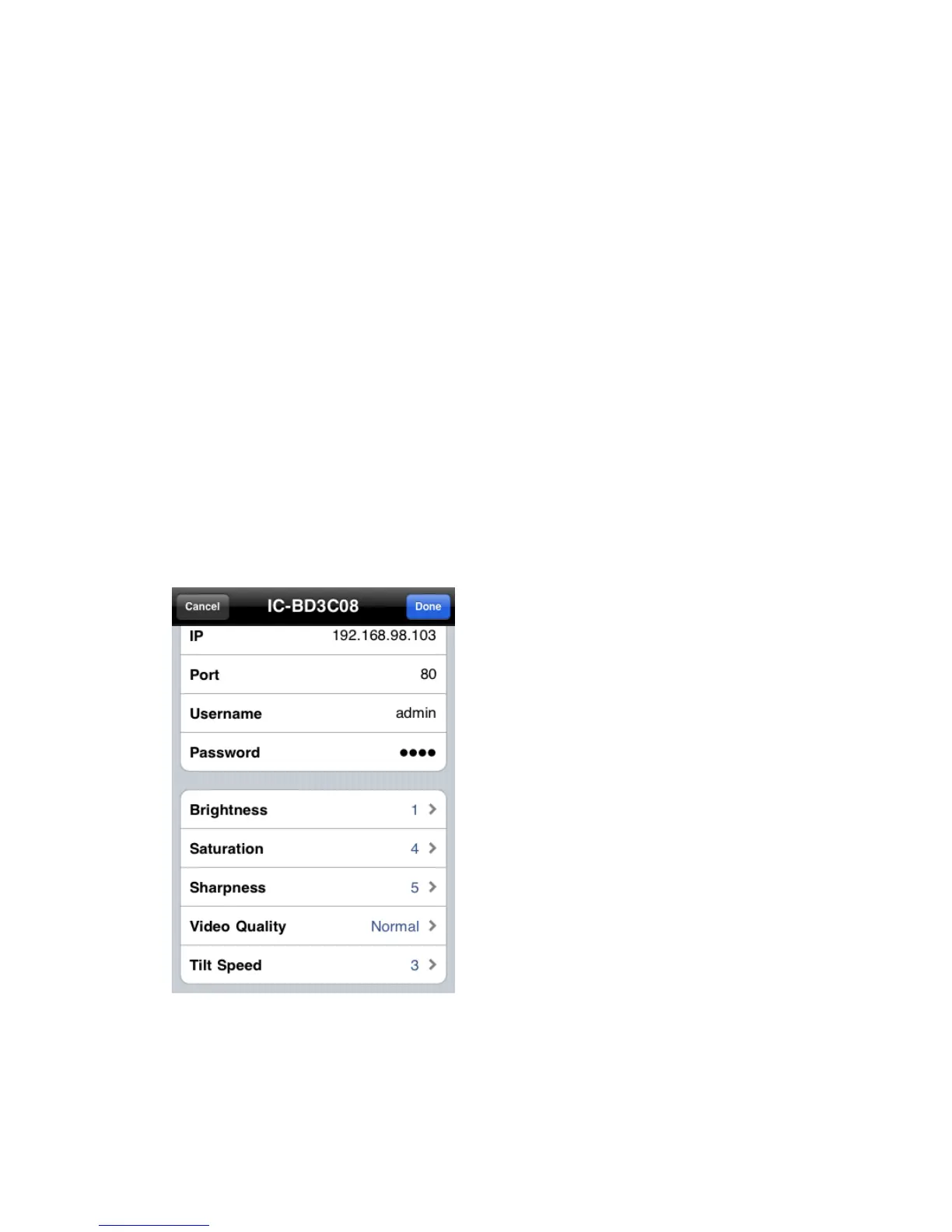
Camera Name: You can define a name for this network camera to help
you to remember the purpose / location of this network camera.
IP: Input network camera’s IP address or host name.
Port: Input network camera’s port number, generally it’s ’80’.
User Name: Input the user name of network camera. Default user name is
‘admin’
Password: Input the password of network camera. Default user name is
‘1234’
You can also setup video parameters of this network camera.
Brightness: Select video brightness (1 to 5, darkest to brightest).
Saturation: Select video saturation (1 to 5, lowest to highest).



 To Next Page