134
Sharpness: Select video sharpness (1 to 5, lowest to highest).
Video Quality: (Highest to Lowest, select a lower video quality will help
when network speed is slow).
Tilt Speed: Select camera pan & tilt movement speed. Click ‘Done’ to
save changes
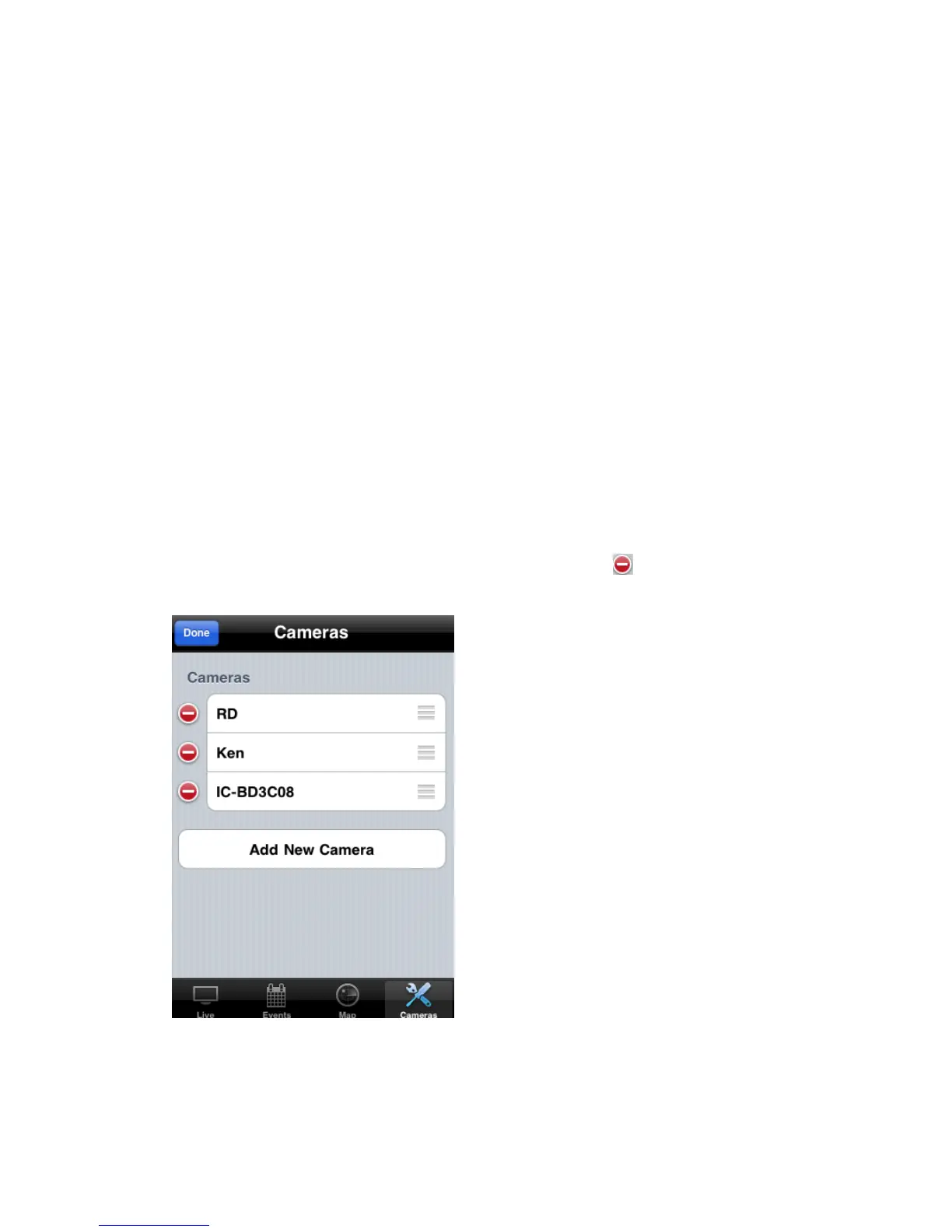
To delete an existing IP camera, click „Edit‟ button. Click of the IP
camera you wish to delete
Click „Delete‟ button to delete IP camera



 To Next Page