139
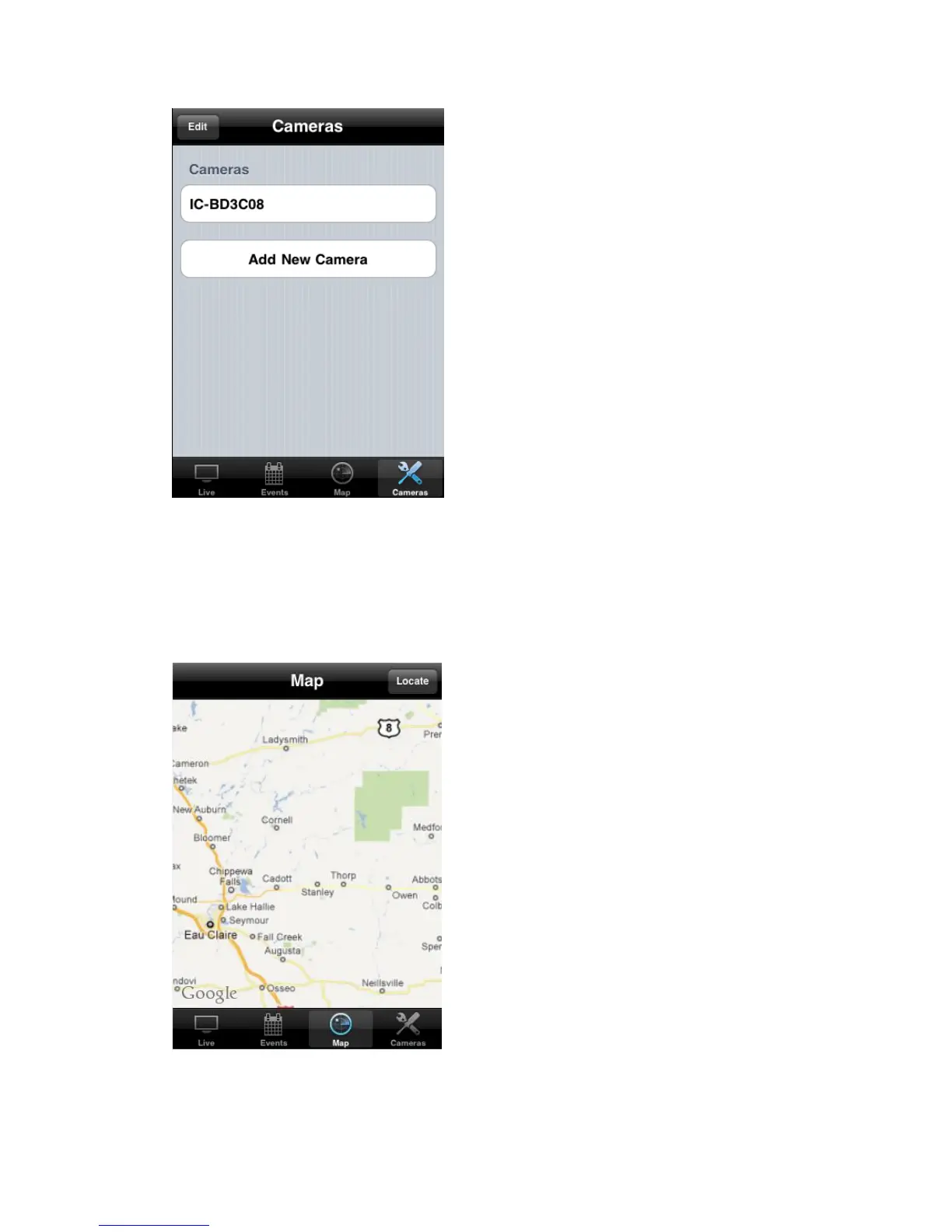
Please note that you need active Internet connection to show map on
your iPhone. Click ‘Map’ button at the bottom of your iPhone to access
Map menu.
Google map will be shown on your iPhone, and it will attempt to locate
your current location by GPS and network.
If you’re using your iPhone indoor, your iPhone may fail to locate your
location. You can still use your finger to drag the map and find your



 To Next Page