140
current location manually.
If the network camera you’re about to mark on the map does not locate at
your current location, you can also use your finger to drag the map and
find the location where your network camera is installed.
A red pin indicating the location of network camera will be placed at the
center of map.
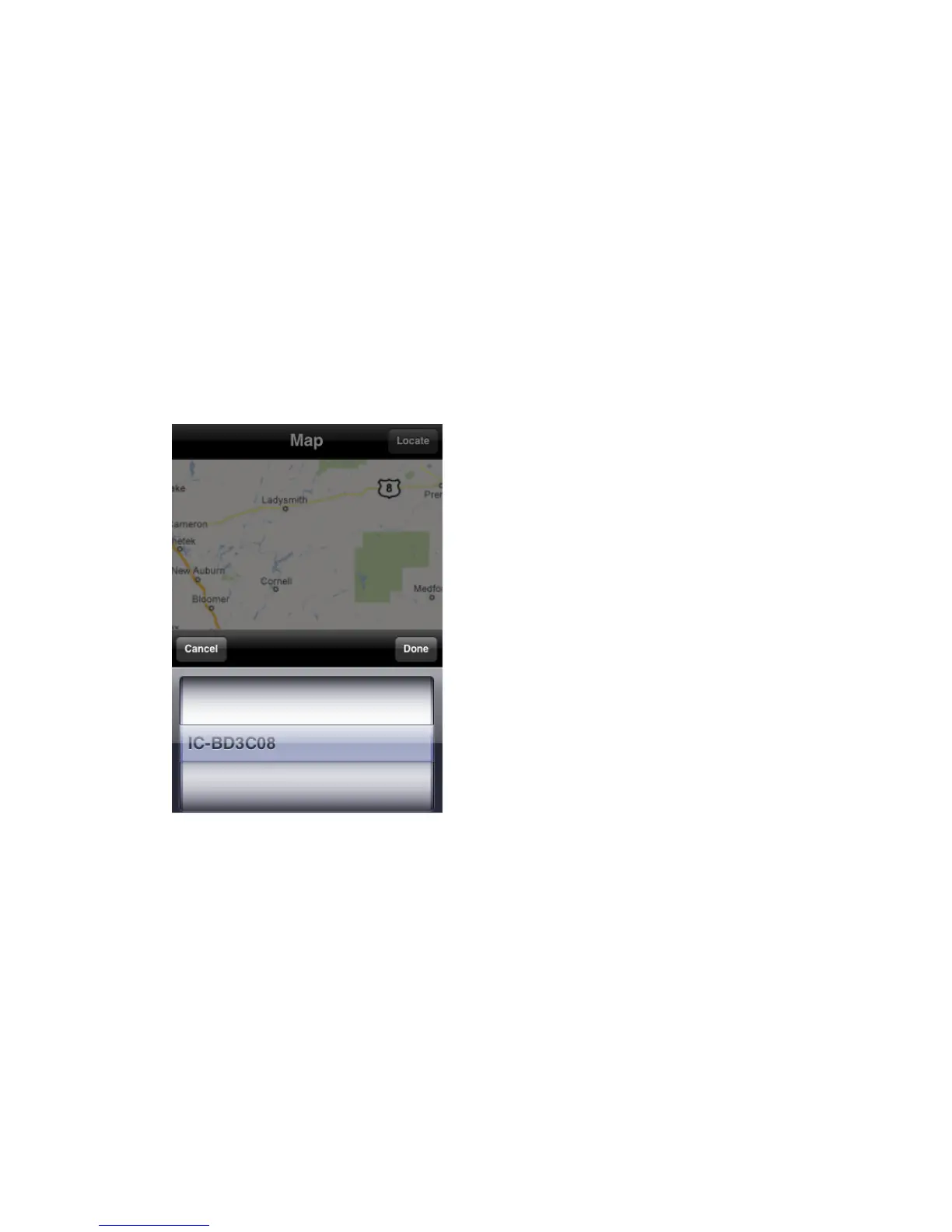
When you found the location where network camera is installed, click
„Locate‟ button located at upper-right corner of your iPhone, and a camera list
will be shown
Select the network camera you wish to mark on the map, and click ‘Done’
when done.



 To Next Page