IV-7 Camera Settings
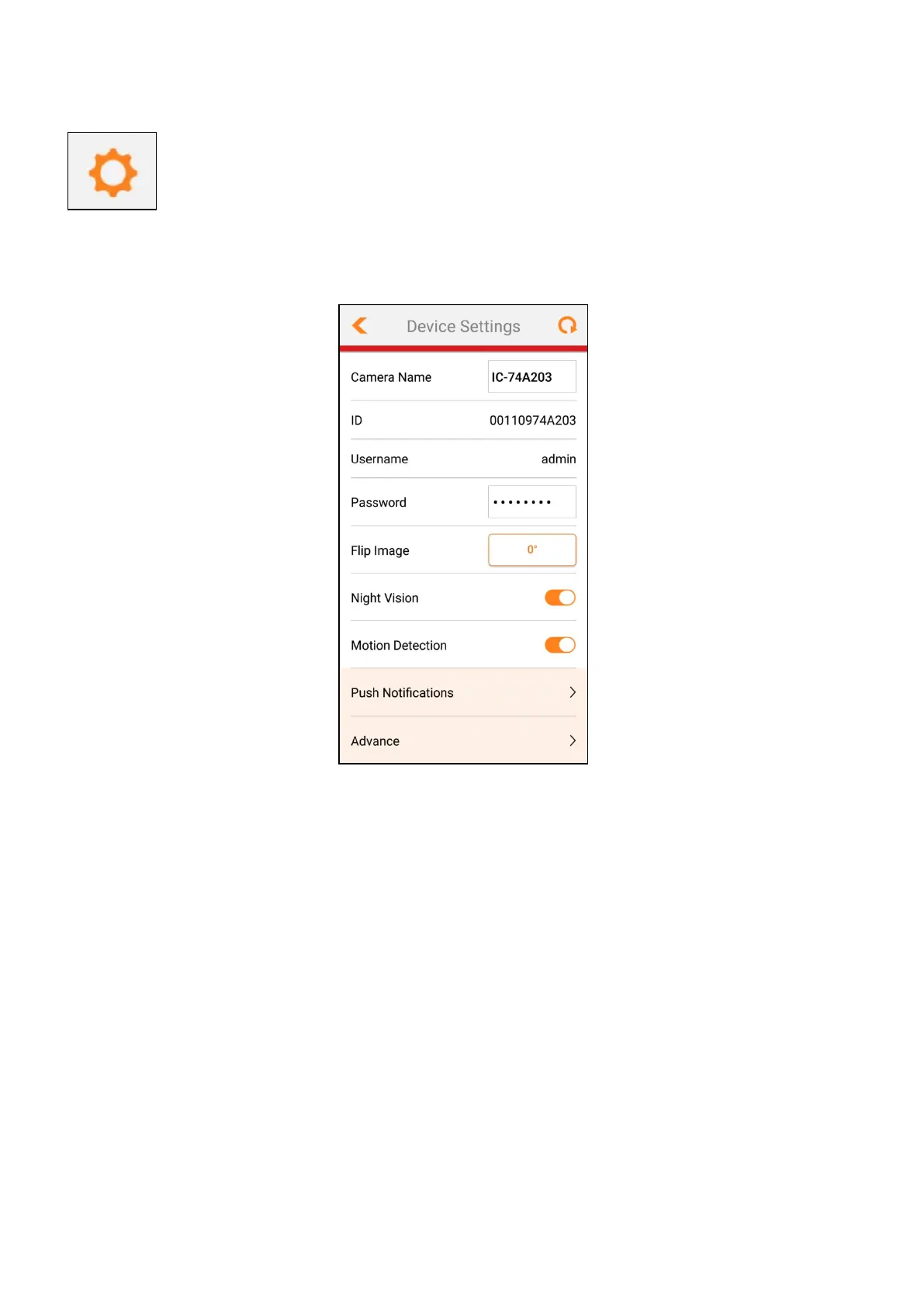
Tap this icon for the camera settings page as shown below:
From top to bottom:
1. Camera Name: Tap to change camera name
2. ID: Device MAC address
3. Username: Login account name
4. Password: Login password
- For another mobile device to access your camera.
5. Flip Image: flip image by 180°
6. Night Vision: Turn on / off night vision mode
7. Motion Detection: Turn on / off motion detection
8. Push Notifications: Tap to go into push notification settings.
9. Advance: Tap to go into advance settings.



 To Next Page