V-1-2-3 WPS
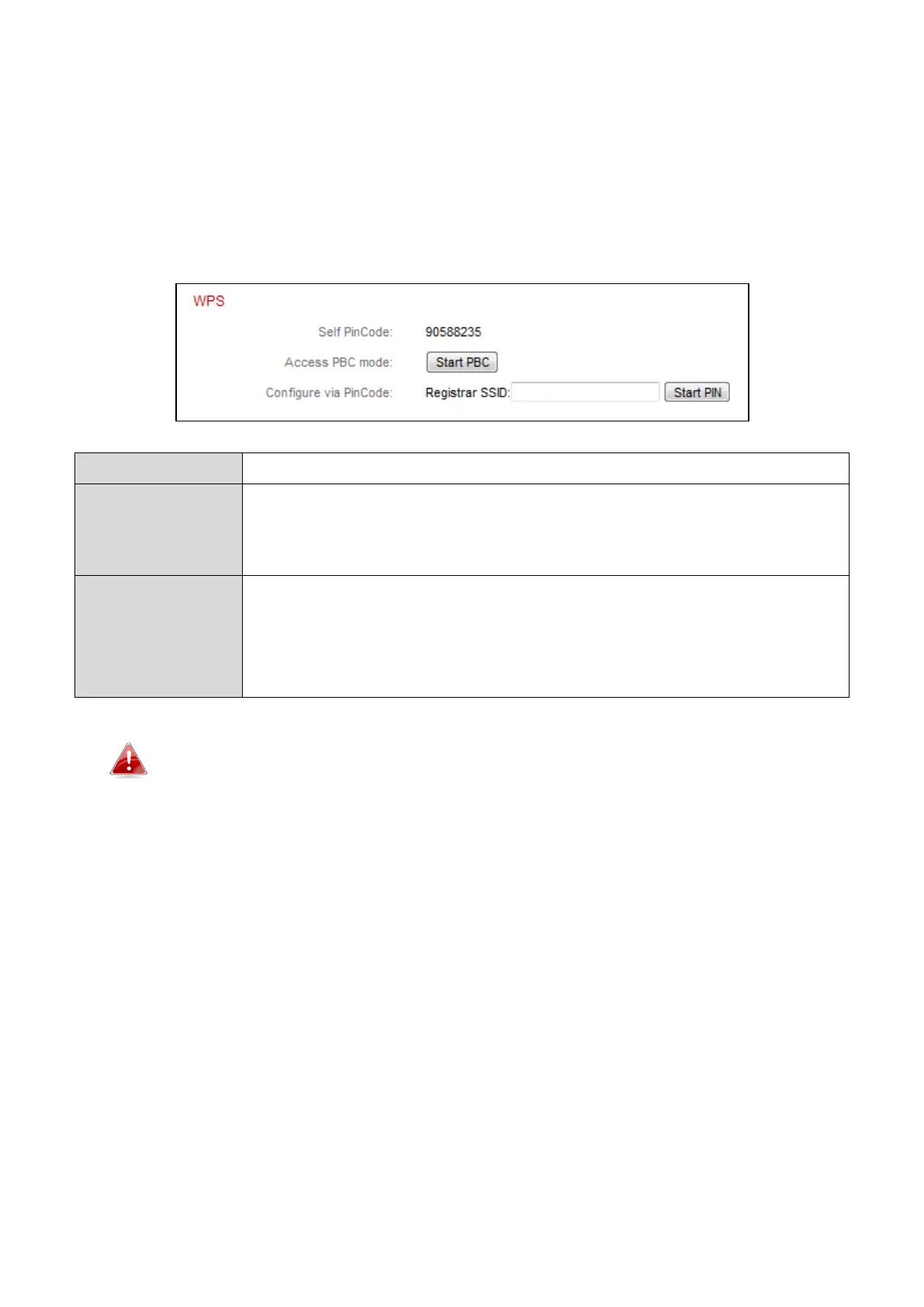
WPS (Wi-Fi Protected Setup) is a quick and easy way to set up wireless
connections between compatible devices. Use the “Start PBC” or “Start PIN”
button to activate WPS on your network camera. Your network camera’s WPS
PIN code is also listed next to “Self PinCode”.
Your network camera’s WPS PIN code is listed here.
Click “Start PBC” to activate push-button WPS on your
network camera. This has the same effect as physically
pushing the built-in hardware WPS button.
Enter the SSID you wish to connect to and click “Start PIN”
to activate PIN code WPS. You will then need to enter the
network camera’s “Self PinCode” into your wireless
router’s web U.I. and activate your router’s PIN code WPS.
Please refer to your wireless router’s instructions for help accessing
its web-based interface and activating WPS.



 To Next Page