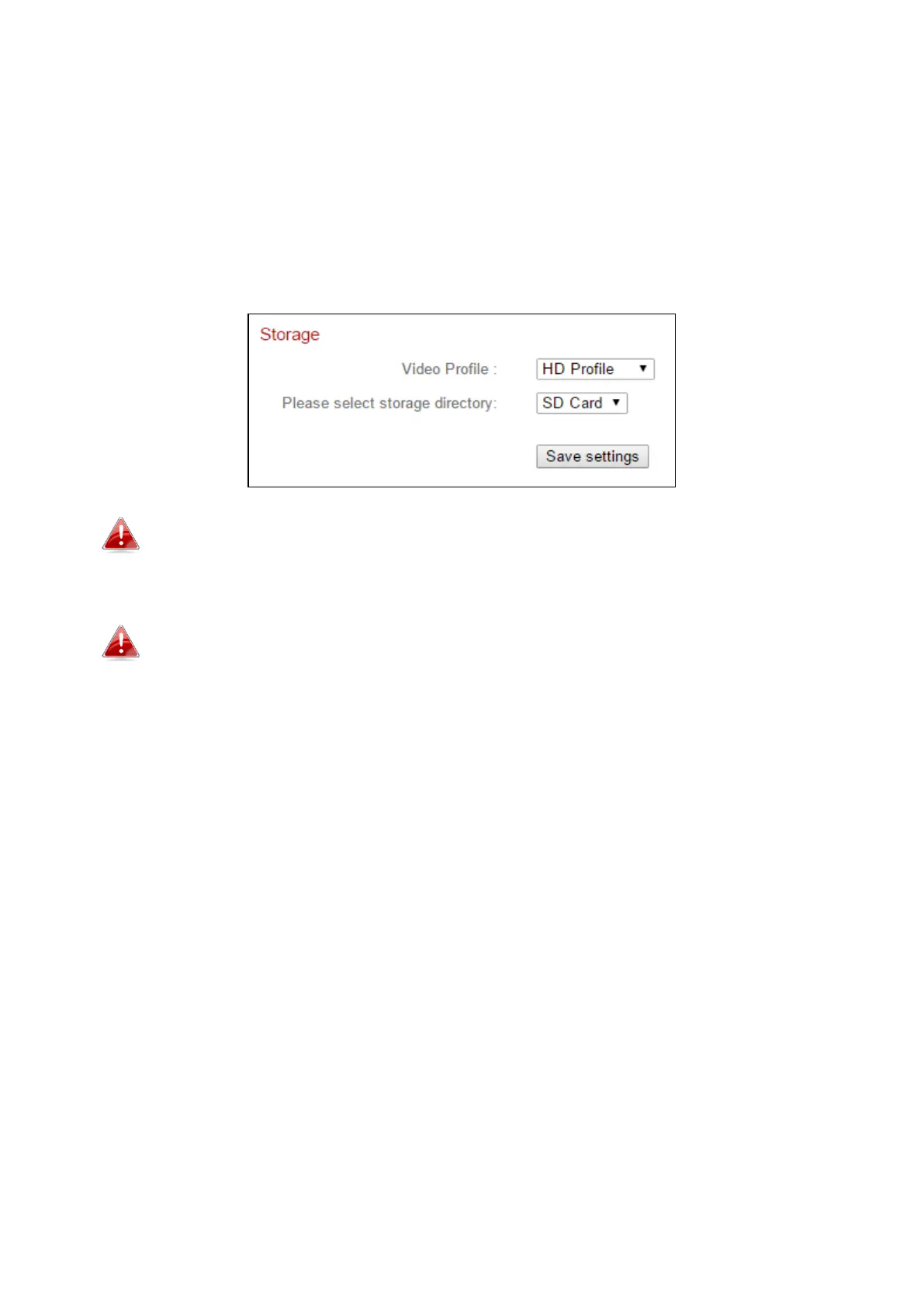
V-4-1 Storage Directory
The network camera can store recordings of motion detection events to local
storage: NAS or MicroSD.
Select a video profile for the recordings (HD, SD or Small) and select your
storage location and click “Save settings”.
A MicroSD card must be installed in the network camera to use this
function.
Configure the settings for your NAS or MicroSD card in the V-4-3 NAS
Settings or V-4-4SD Card Settings menus respectively.



 To Next Page