17
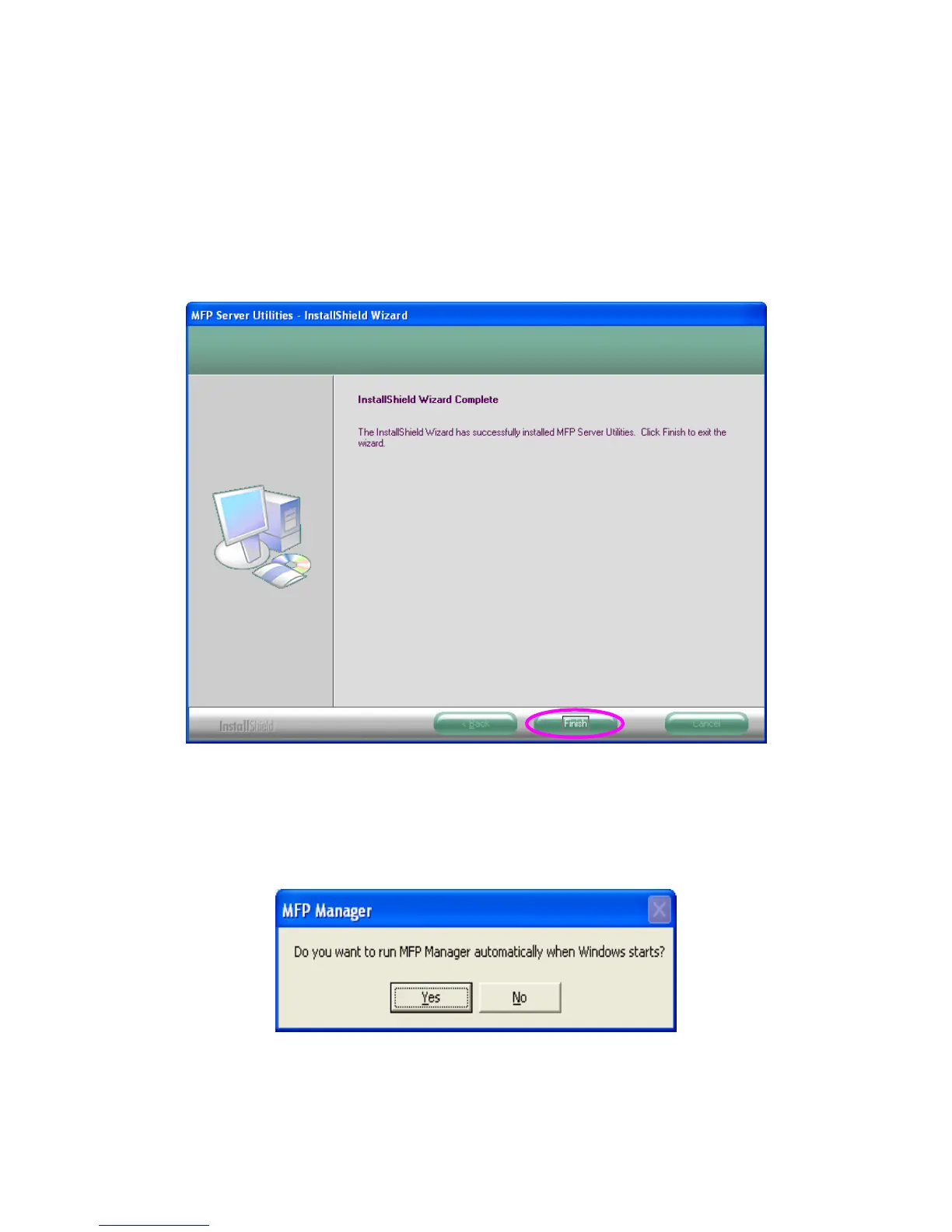
13. Click “Finish” to complete the installation.
Note:
If the Windows XP Firewall in your system has been enabled, the
MFP Server will automatically open ports for the MFP Server
programs smoothly run in your system. It will not cause abnormal
behaviors or unsafe on your system.
14. Choose if you want to run the “MFP Manager” utility
automatically when Windows starts. It is recommended to
enable the setting.


 To Next Page
 Loading...














