25
5. Using the MFP
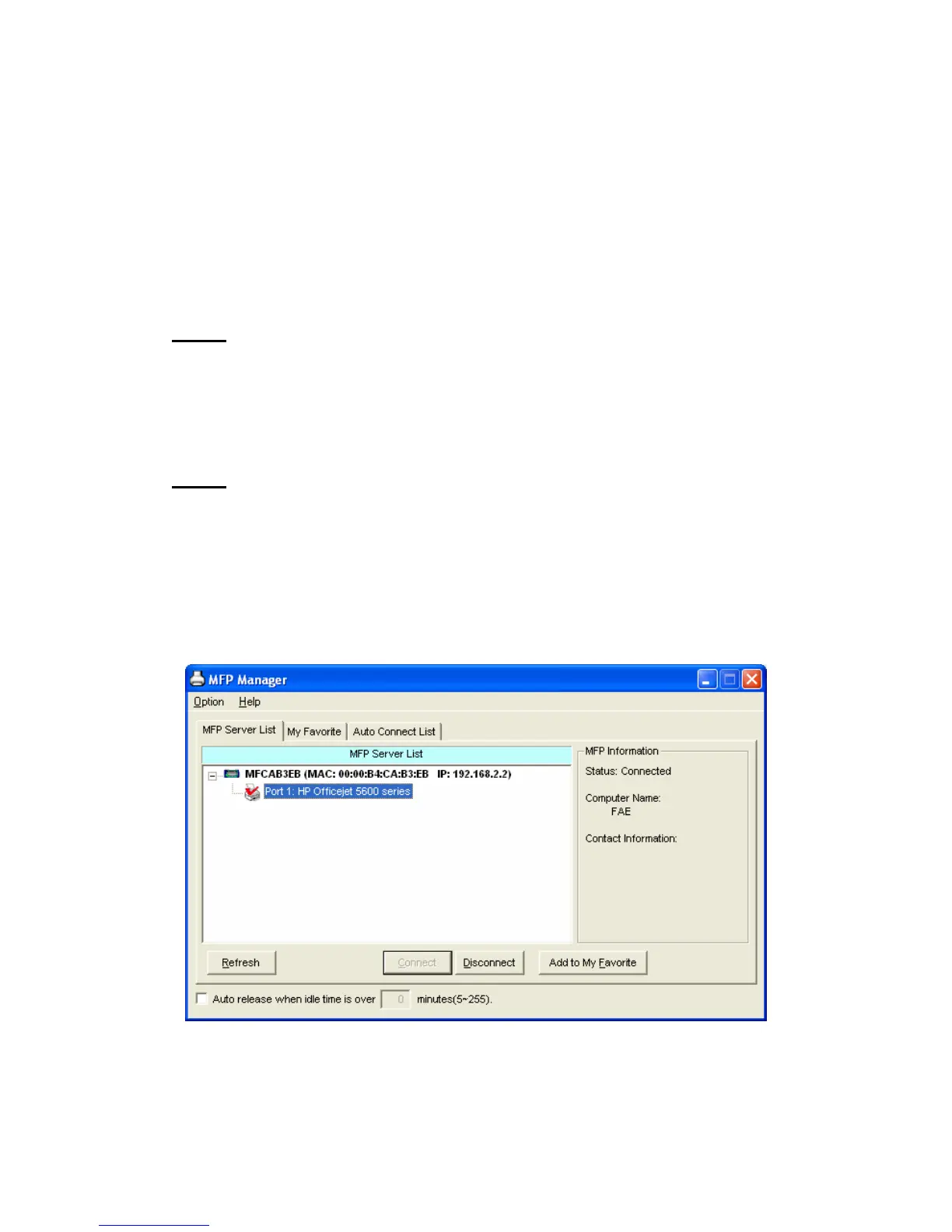
After you have followed the install wizard to finish the MFP
installation, the MFP is now connected to your computer. You can
start sharing print, scan, card reader or fax function provided by
the MFP.
Tip 1:
If you have finished using the MFP, please click “Disconnect” to
release the MFP. Another users can’t use the MFP until the MFP is
released
Tip 2:
It is recommended to enable “Auto Release” setting. The MFP
Server will auto release your connection to the MFP after a period
of idle time that you have assigned. So the MFP will not be
occupied too long and other users can share the MFP frequently.
Please refer to Section 6.1 for more information.















 To Next Page