51
7.7 System Configuration
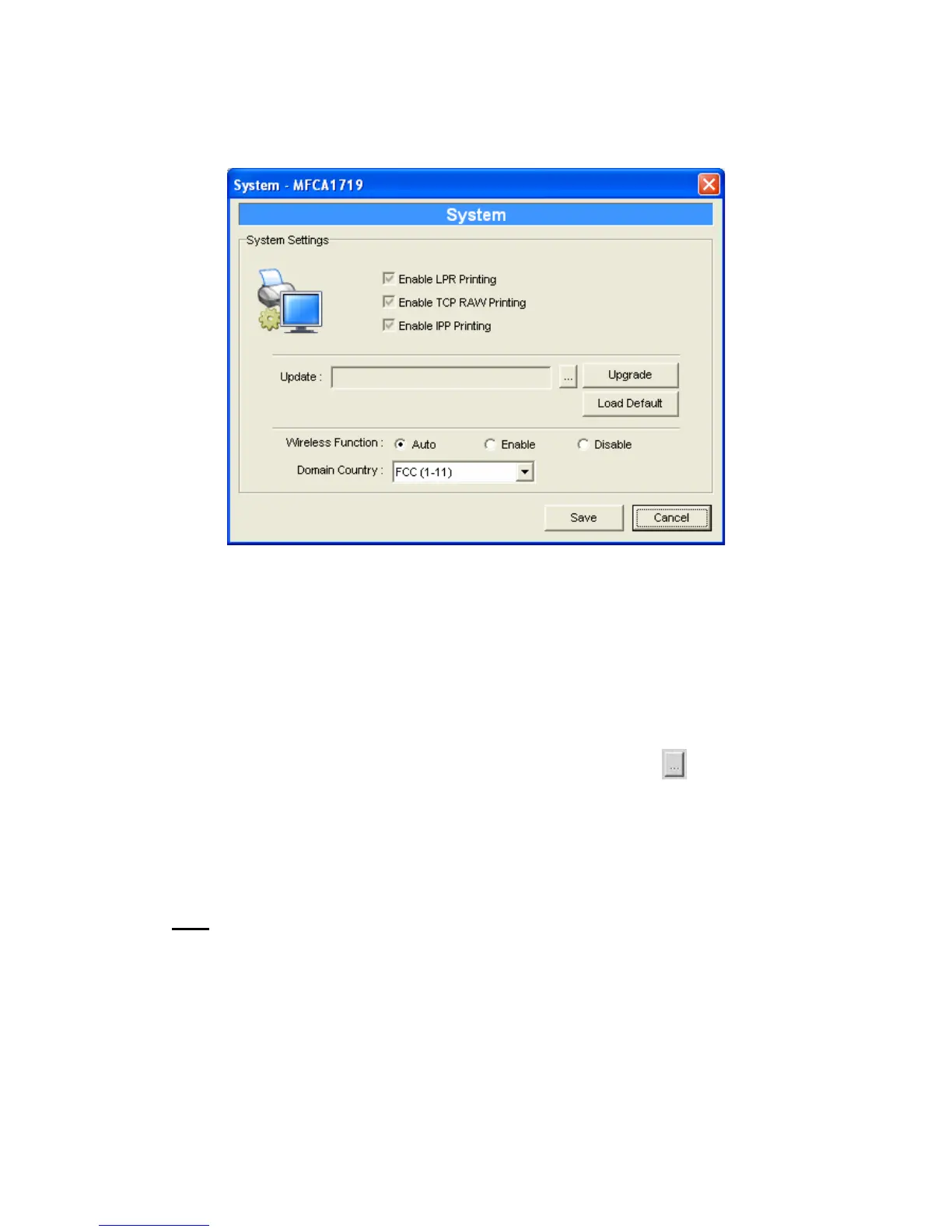
Double Click “System” icon and the System configuration window
will pop-up.
In the System configuration page, you can see all available printing
protocols and upgrade the new firmware for this MFP Server.
Upgrade Firmware: You can use this “Upgrade Firmware” tool to
update the newest firmware of the MFP Server. Click “
” button
and select the correct firmware in your PC. After selecting the
firmware file, click the “Upgrade” button to finish the firmware
update process.
Tip:
Before you upgrade the firmware, please make sure that the IP
Address settings of the MFP Server are in the same network as
your computer.
Load Default: If you want to reset the MFP Server to default
factory settings, please click “Load Default”.















 To Next Page