84
9. LPR Printing
LPR Printing (Line Printer Remote technology) allows users to
connect to MFPs or printers via TCP/IP for printing sharing. The
computer with Windows 98SE/Me/NT/2000/XP/2003/Vista
operating system can use the protocol to share printing in the
network. MFP Server can support LPR printing by default.
If you install the MFP Server in Windows 98SE/Me/NT, the MFP
Server provides a tool “Network Port Setup” that helps to add the
LPR protocol to users’ computer easily. Please refer to Chapter 10.
To configure the LPR setting in Windows 2000/XP/2003/Vista,
please follow the steps below. Note that the following procedures
are running in Windows XP, for Windows 2000/2003/Vista, the
procedures are similar.
1. Click “Start”, choose “Settings” and select “Printers and Faxes”.
2. Click “Add a Printer”.
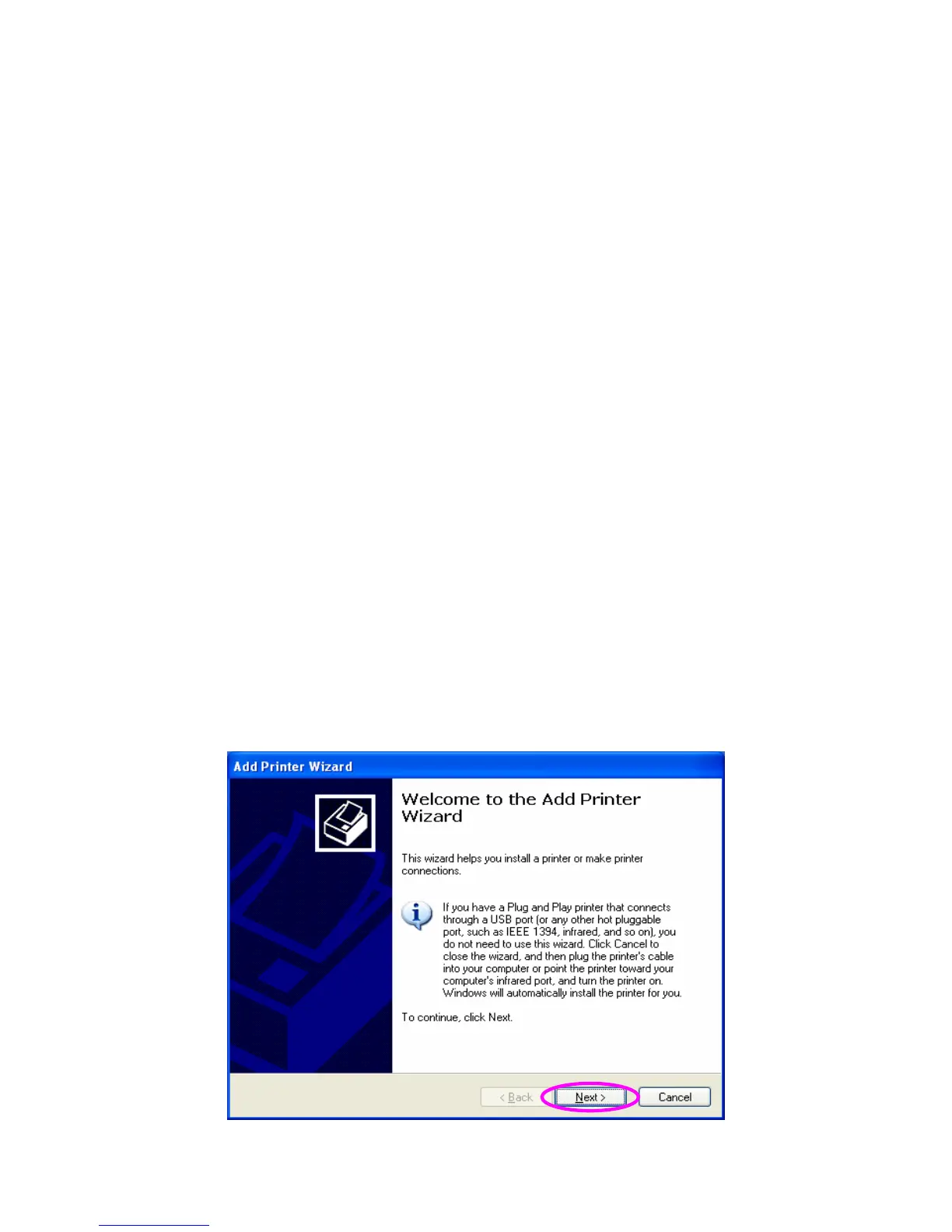
3. The “Add Printer Wizard” is displayed. Click “Next”.















 To Next Page