71
8.4 Setup Wizard
Note:
You can configure the MFP Server from the Setup Wizard. To let
the changes take effect, you have to click “Save Settings” in the
menu of the left side to reboot the MFP Server.
8.4.1 System
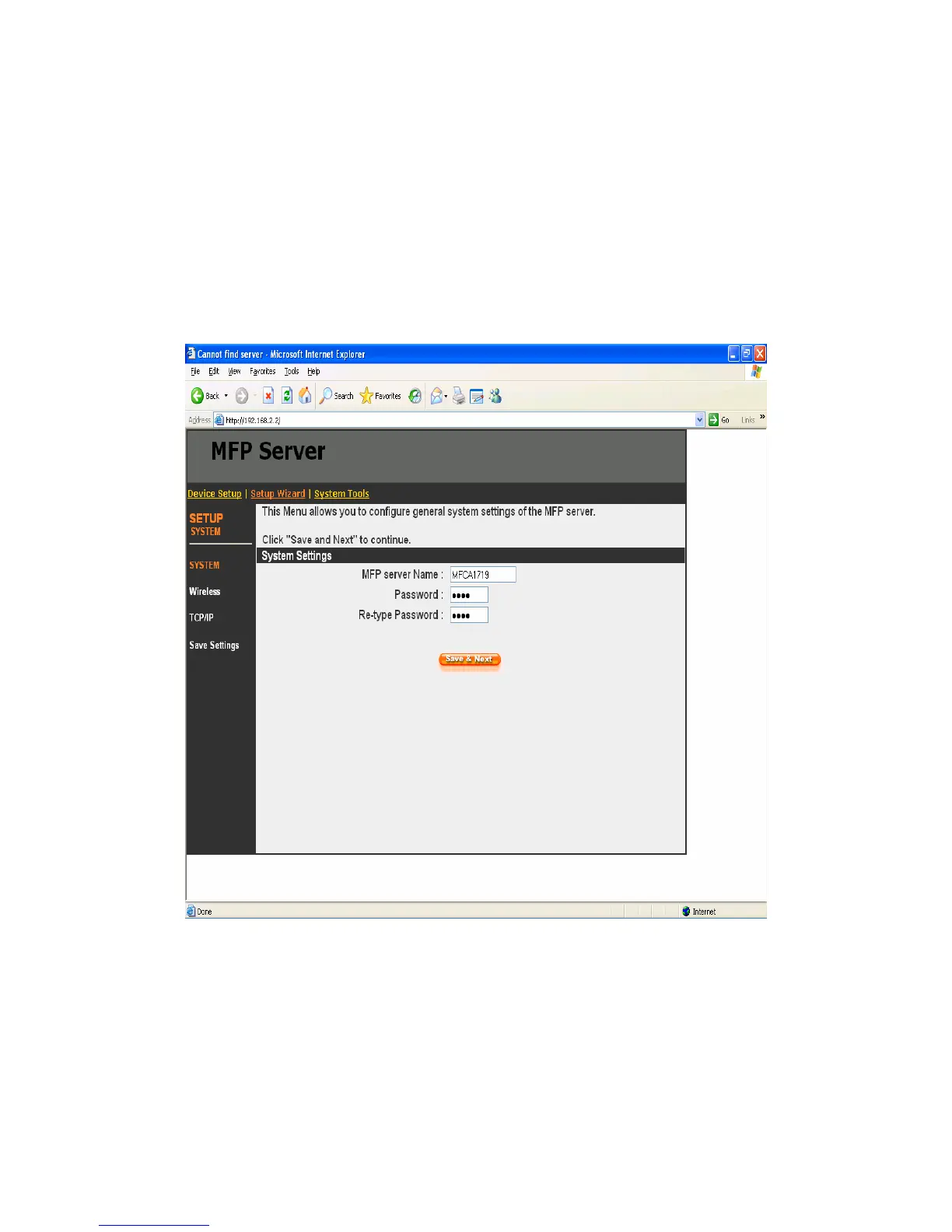
You can change the MFP Server name and password of the MFP
Server from here.
MFP Server Name, the name of the MFP Server. You can use this
name to identify the MFP Server when you are searching for the
MFP Server by the “Server Manager” utilities.















 To Next Page