20
4.4.1 Never Install MFP Driver/Utilities
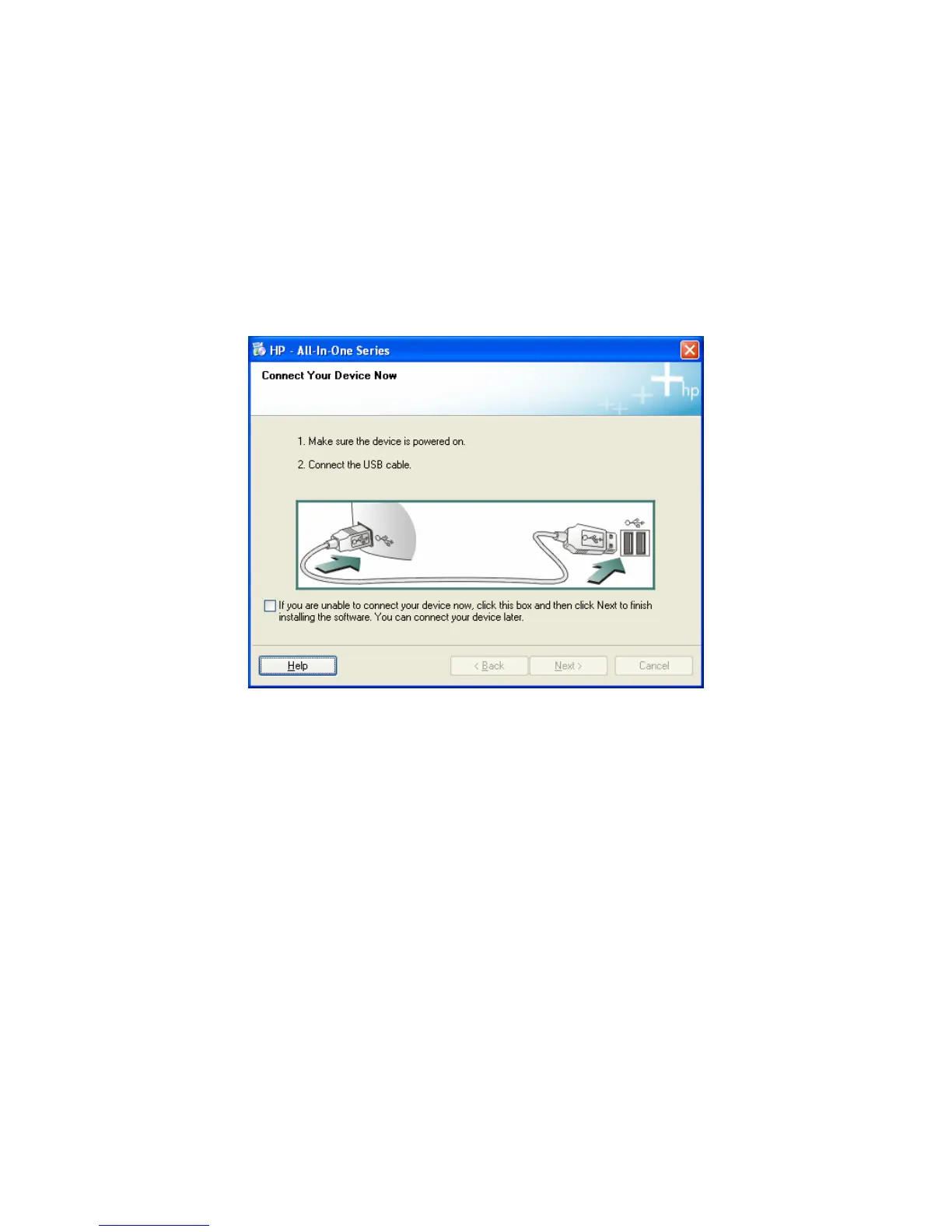
Before the installation, please read the manual of the MFP. Some
MFP requires users to install the drivers/utilities before connecting
the MFP to your computer. Some MFP requires connecting the
MFP to your computer during the installation. Please refer to the
below illustration of “HP ALL-In-One Series” which is the screen
displayed during the installation.
To connect the MFP to your computer through the MFP Server just
like you have directly connected the MFP to your computer through
the USB cable, you can follow the steps below.















 To Next Page