69
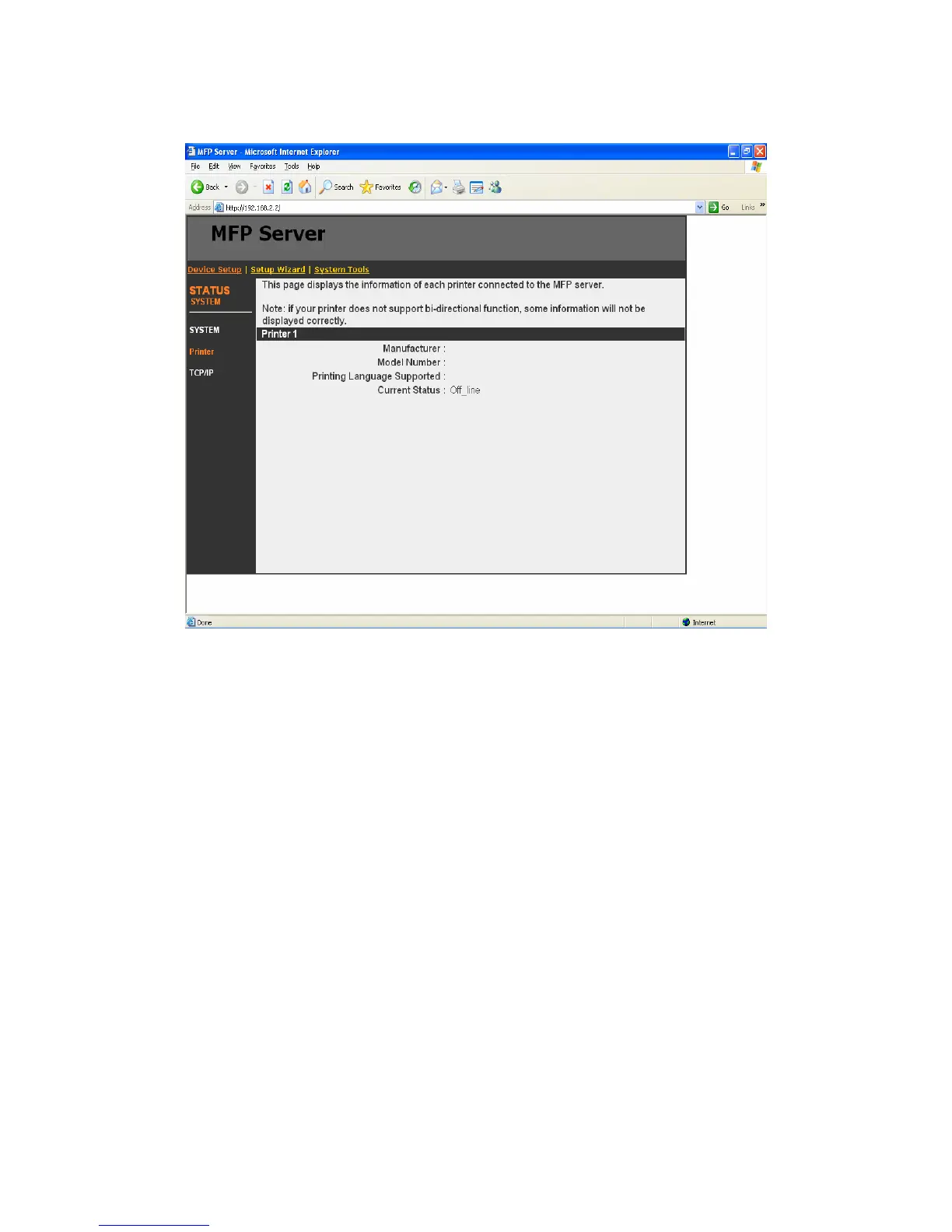
8.3.2 Printer
This page lists information and the status of MFP or printer
connected to the MFP Server port. The status of the MFP or printer
includes “Connected”, ”Ready”, “Off Line” or “Paper Out”.
Connected: a user clicks “Connect” button in the “MFP Manager”
utility, and the connection between the user’s computer and the
MFP is built.
Ready: the MFP or printer is not connected by a user and is ready
to use.
Off Line: the MFP or printer is not connected by a user and is not
connected to MFP Server through USB cable or it is turned off.
Paper Out: the MFP or printer not connected by a user and is
paper out.















 To Next Page