26
5.1 Share Print
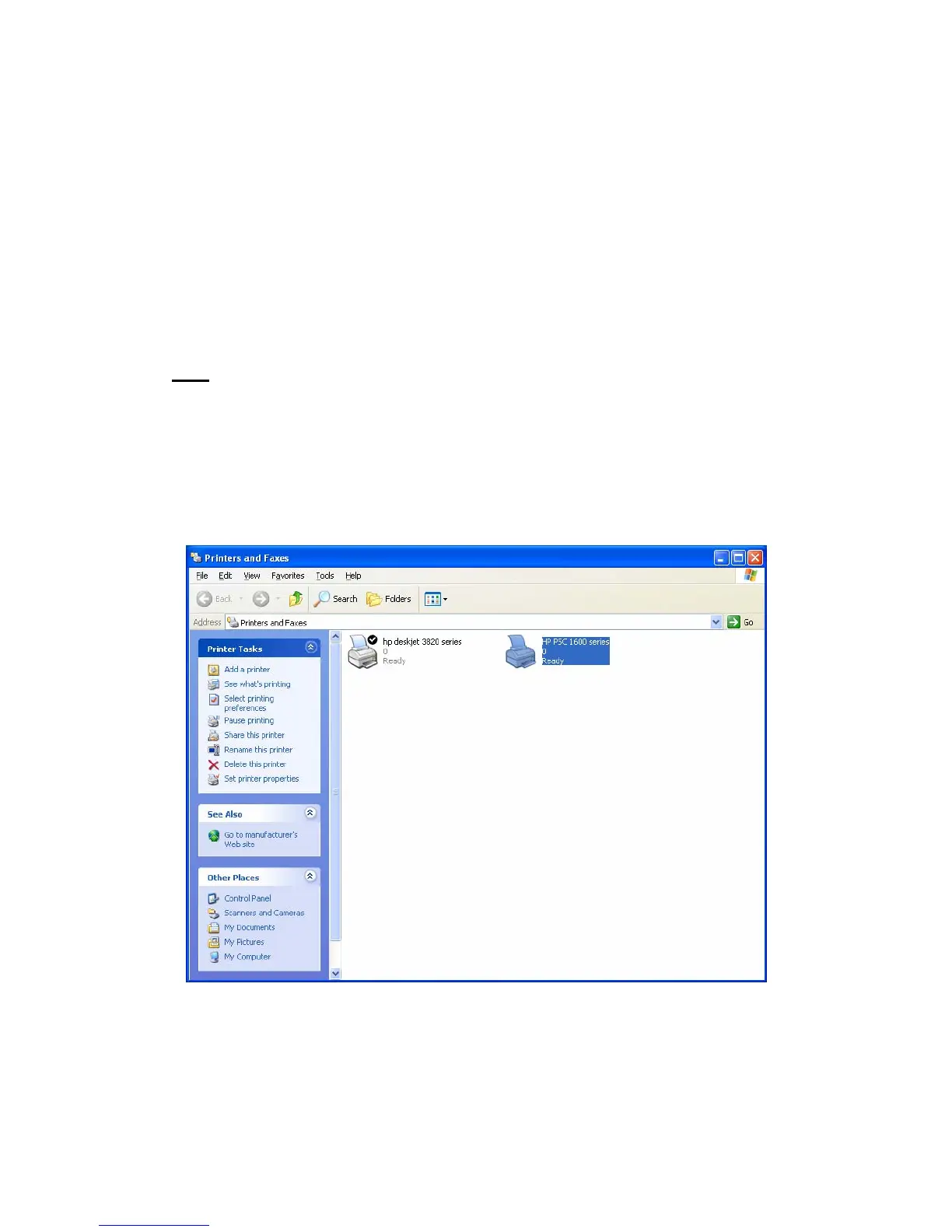
The MFP will be added to “Printers and Faxes” in the Windows
after the MFP is installed. When you have connected to the MFP
by clicking “Connect” in the “MFP Manager”, the MFP Server will
auto create the connection between the MFP and your computer
and then you can print a document just follows the same steps as
usual.
Tip:
If you have sent a printing job to the MFP while the MFP is
connecting by a user, you may be prompted that the device is not
found or the document is failed to print. Please resend the printing
job after the MFP is idle or not being connected.















 To Next Page