64
7.9 MFP Server Management
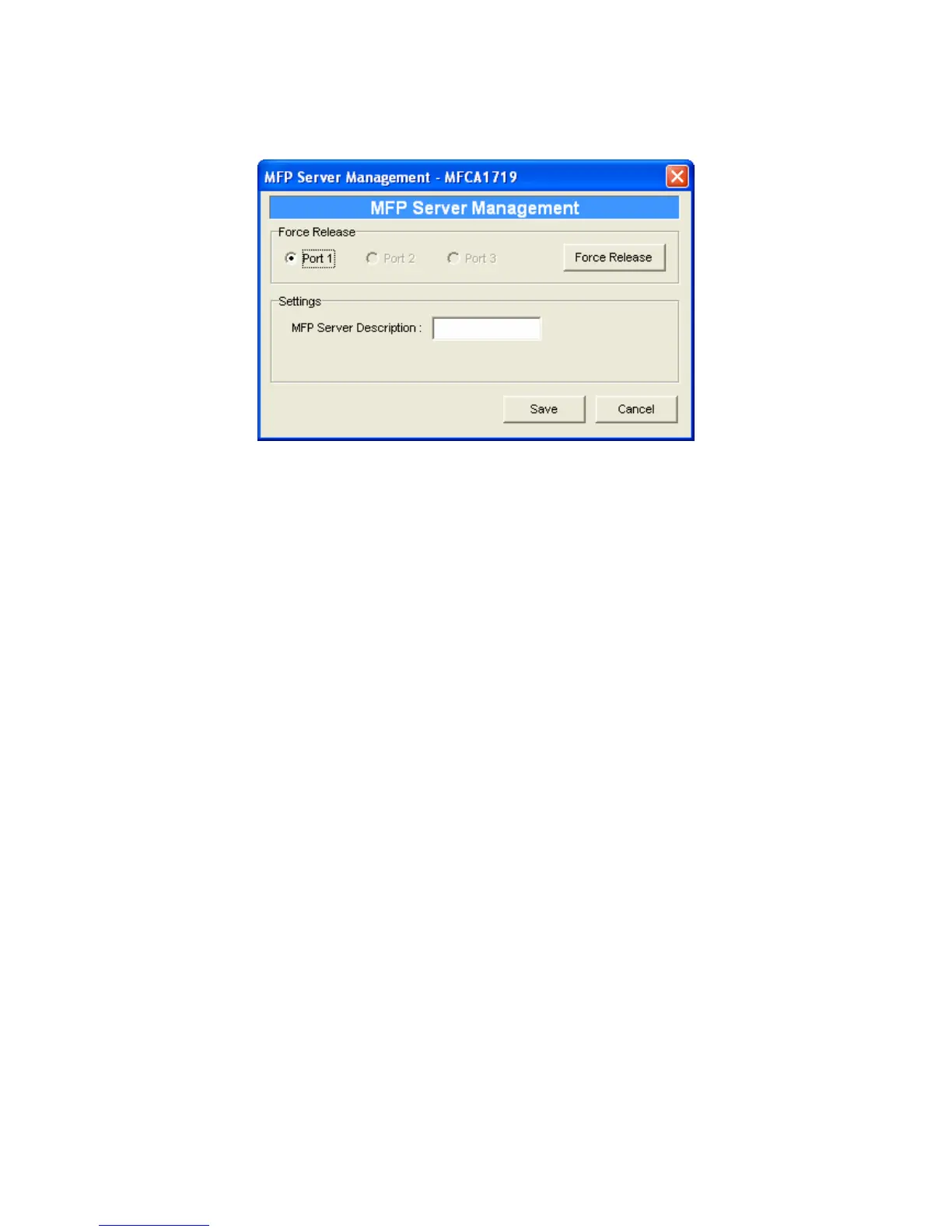
Double Click “MFP Server Management” icon and the MFP Server
configuration window will pop-up. You are able to manage the MFP
Server as below.
Force Release: Select the port number and then click “Force
Release” will help to you disconnect the current connection
between the user and the connected device. It is very useful when
a user forgets to disconnect the MFP, administrator can force to
disconnect the connection and let the MFP be free to use.
MFP Server Description: Enter 15 digits description of the MFP
Server such as location or other information to help user to find the
MFP Server easily.















 To Next Page