67
8.2 Login
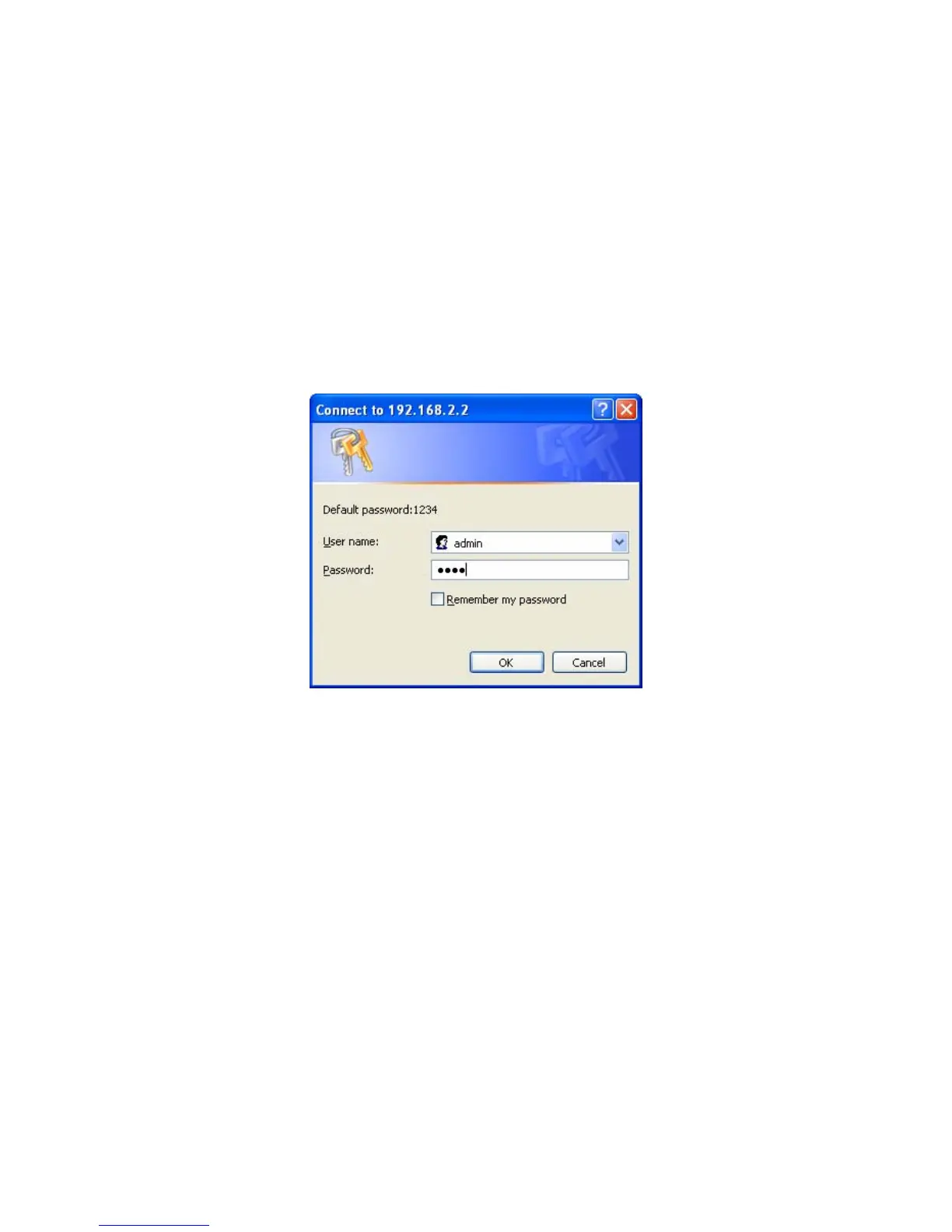
You may use any Web Browser to review the status or configure
the settings of the MFP Server. After entering the IP address of the
MFP Server, a login page display. You have to enter correct “User
Name” and “Password” before going to the Web Management
pages.
Note: Default User Name is “admin”, default password is “1234”.















 To Next Page