41
6.5 Option Settings
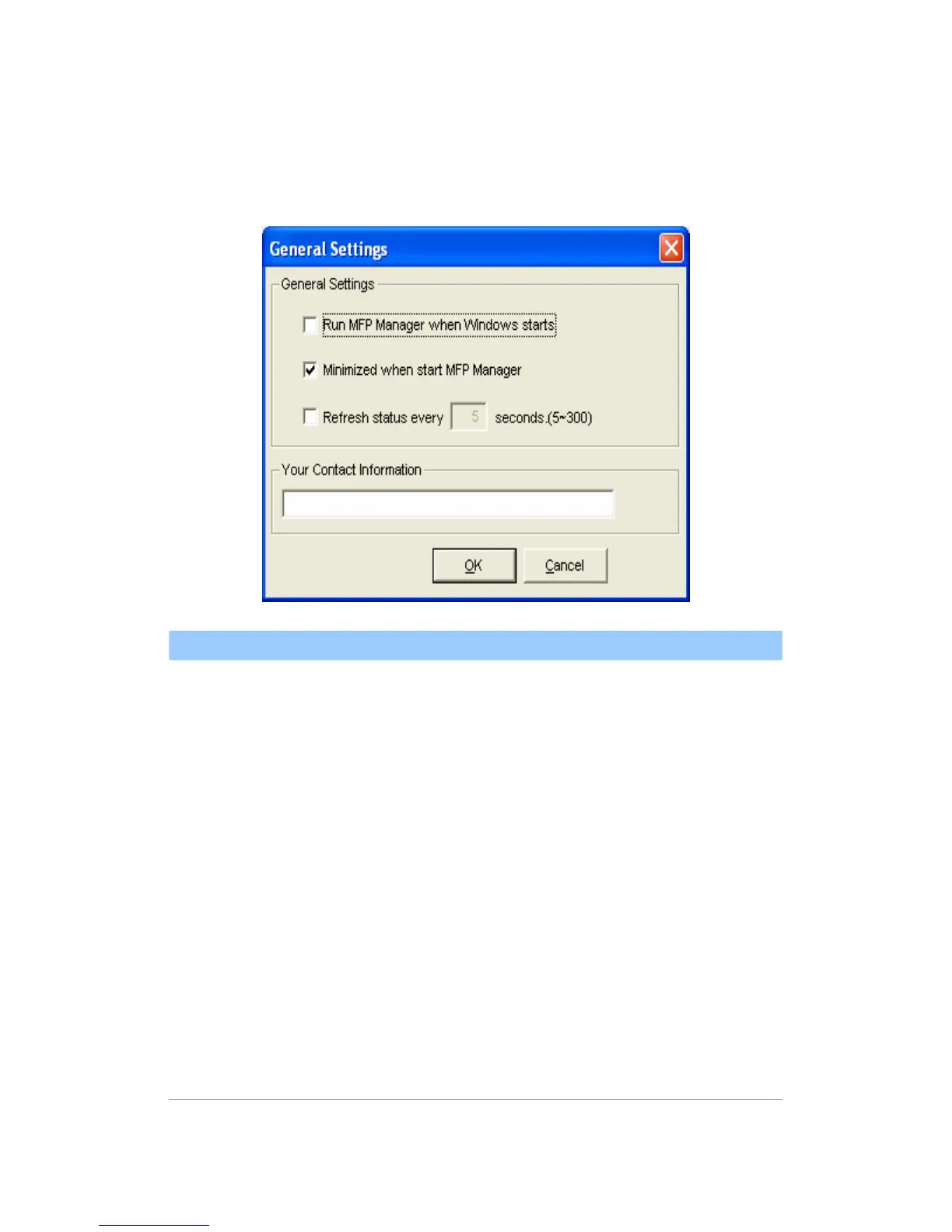
6.5.1 General Setting
General Setting
Run MFP Manager
when Windows starts
Execute the “MFP Manager” when Windows
starts every time. By default, it is enabled.
Minimized when start
MFP Manager
Minimized the “MFP Manager” to an icon in
the system tray when you start the “MFP
Manager”. By default, it is disabled.
Refresh status every
xx seconds. (5~300)
Setup the refresh interval for device status
update. By default, it is disabled.
Your Contract
Information
Enter your contact information here. When
you connect to the MFP, your contact
information will be displayed in the right side
of the program for other users to contact
you.















 To Next Page