29
5.4 Fax a File
If the MFP supports fax function, you can fax files from your
computer to the fax number you designated.
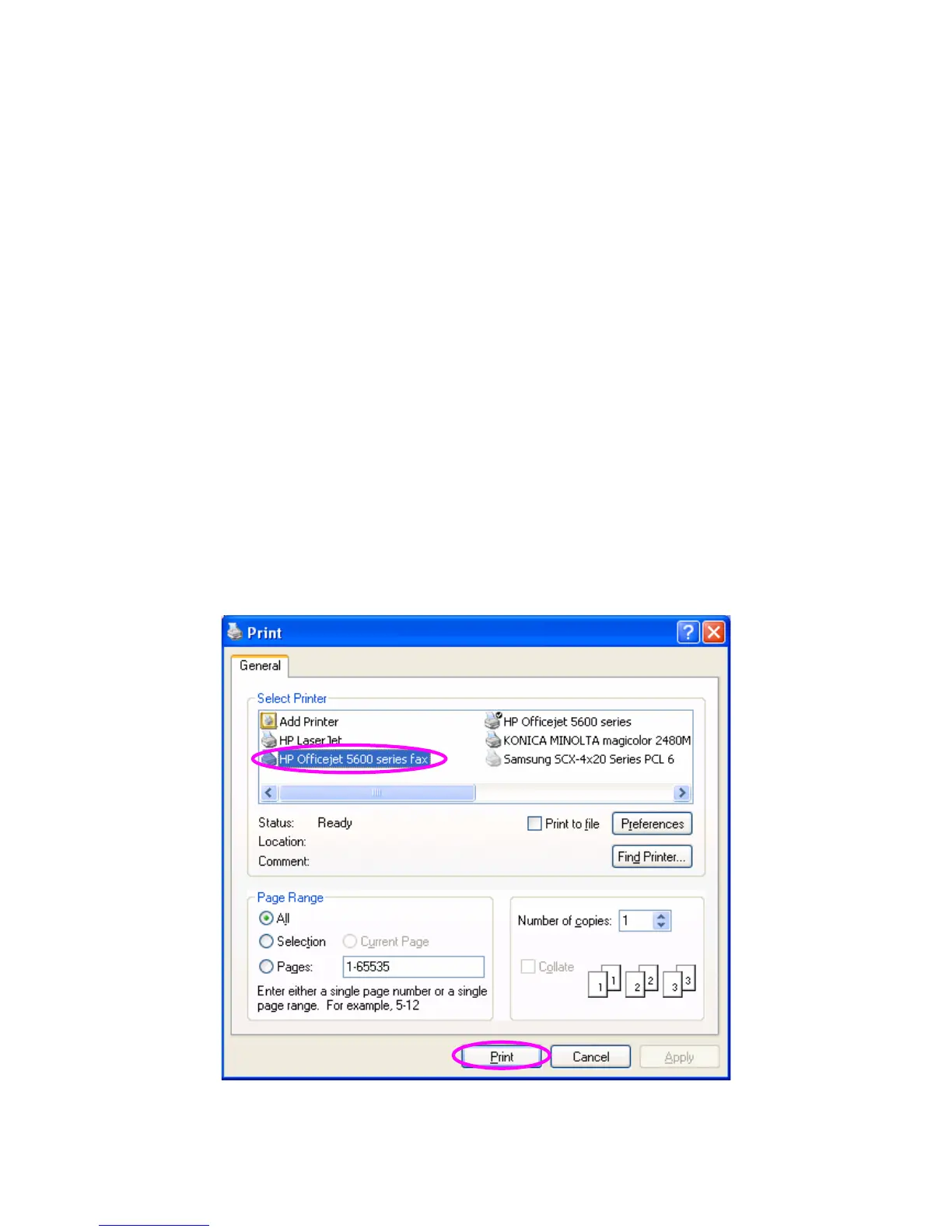
An example: Fax through HP Officejet 5600 Series
After the MFP is installed, there is a fax device will be added to
“Printers and Faxes” in the Windows. When you have connected to
the MFP by clicking “Connect” in the “MFP Manager”, you can fax
a file through the MFP Server to the fax device.
Procedures to fax a file
1. In the Microsoft Office or other programs, select “Print” from the
“File” menu.
2. The following screen will be popped up, select the fax device
and then click “Print”.















 To Next Page