72
Password, enter the password you want to change to the MFP
Server. The password can be up to 7-digit alphanumeric format.
The default password is “1234”.
Re-type Password, enter the same password for the MFP Server
again.
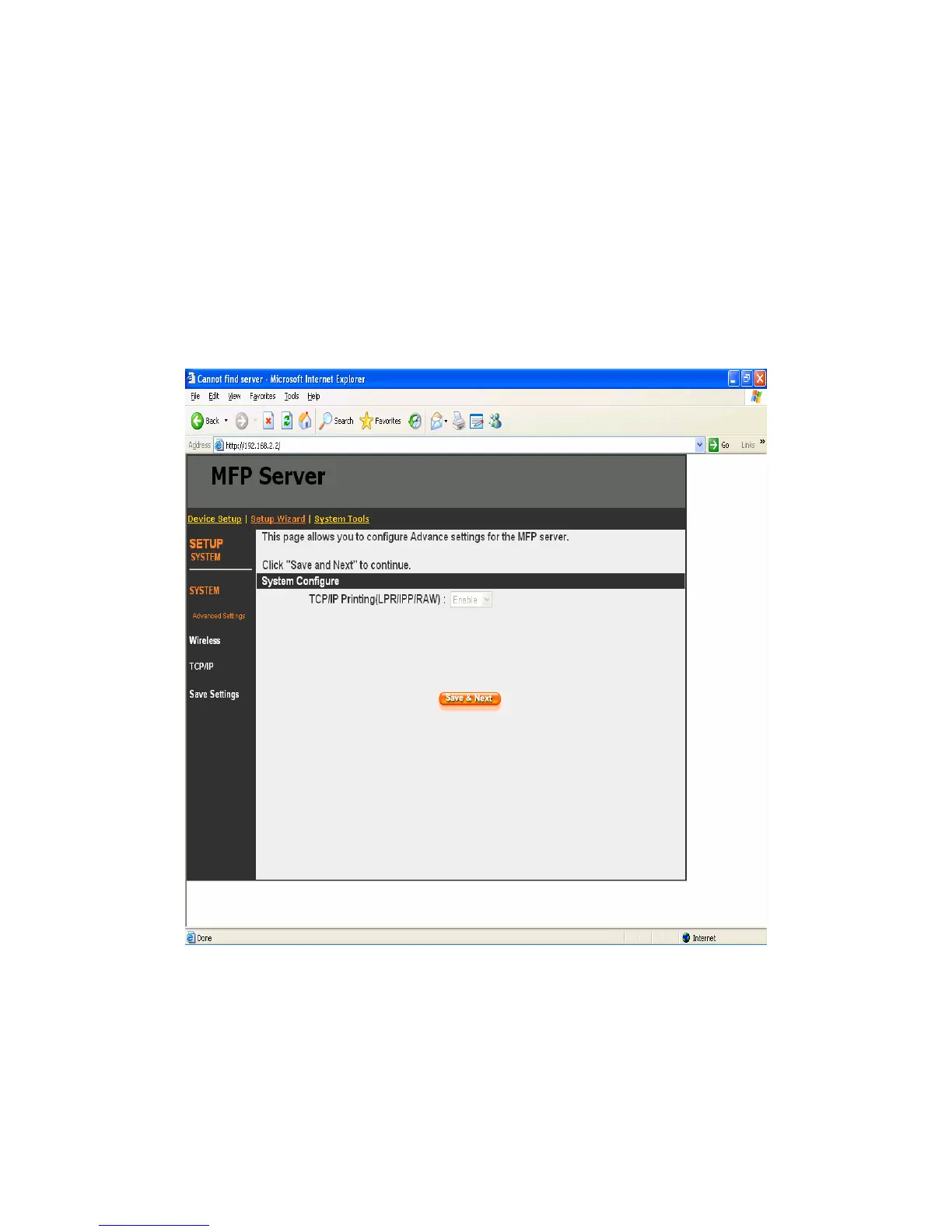
8.4.1.1 Advanced Settings
Some advanced feature of the MFP Server can be set here.
TCP/IP Printing (LPR/IPP/RAW): This MFP Server supports
TCP/IP network protocol and LPR/IPP/RAW printing protocols. By
default these protocols are enabled.















 To Next Page