37
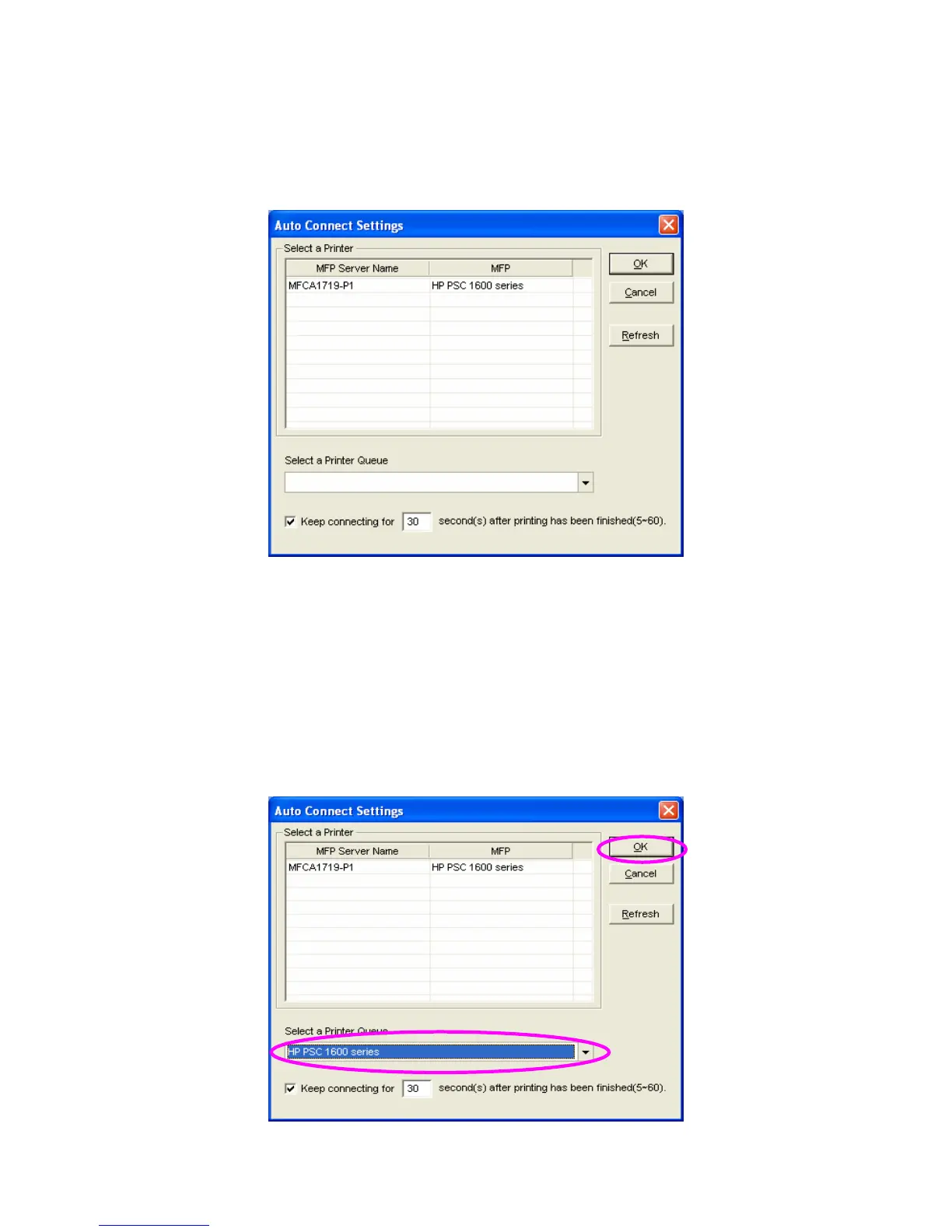
2. The MFP Servers within the network will be displayed in the
following screen. Select the MFP Server you would like to add
to the list.
3. Select the MFP that is connected to the selected MFP Server.
Click “Ok”. Note that in some cases, new coming printing jobs
cannot be printed because the MFP is already disconnected. It
will cause unformatted messages to be printed out. “Keep
connecting for 30 second(s) after printing has been finished
(5-60)” is enabled by default. It will help to avoid this kind of
situation.















 To Next Page