E F A P O W E R EV- H C - I N S T A L L A T I O N A N D U S E R M A N U A L
13 | 28
4. Connect the cables
The cables entrance shall respect the place that was assigned to it at the bottom of the Unit:
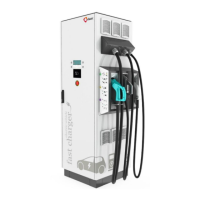
EV-HC3 / EV-HC7
Left grommet – Charging Cable
(if applicable)
Middle grommet – Communications
(refer chapter 5.3.4.4)
Right grommet – Input power cables
(refer chapters 5.3.4.2 and
5.3.4.3).
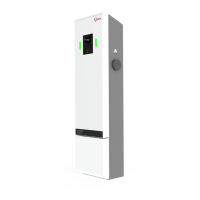
EV-HC11 / EV-HC22
Left grommet – Charging Cable
(if applicable)
Middle grommet – Input power cables
(refer chapters 5.3.4.2 and
5.3.4.3).
Right grommet – Communications
(refer chapter 5.3.4.4)
Do not forget to re-connect the cables!
a. Plug the earth cable on it (faston terminal)
b. Plug the flat cable on the board (X14)
c. Plug the card reader cable on the board (X6) – if applicable
6. Screw the lid
First, tighten all 4 screws only to the point where they are snug.
Then, tighten the screws all the way starting with the lower screws.



 To Next Page