E F A P O W E R E V - PC - I N S T A L L A T I O N A N D U S E R M A N U A L
28 | 37
7.2 OPERATING INSTRUCTIONS
EFAPOWER EV-PC has different operation sequences depending on if it has plug or socket outputs.
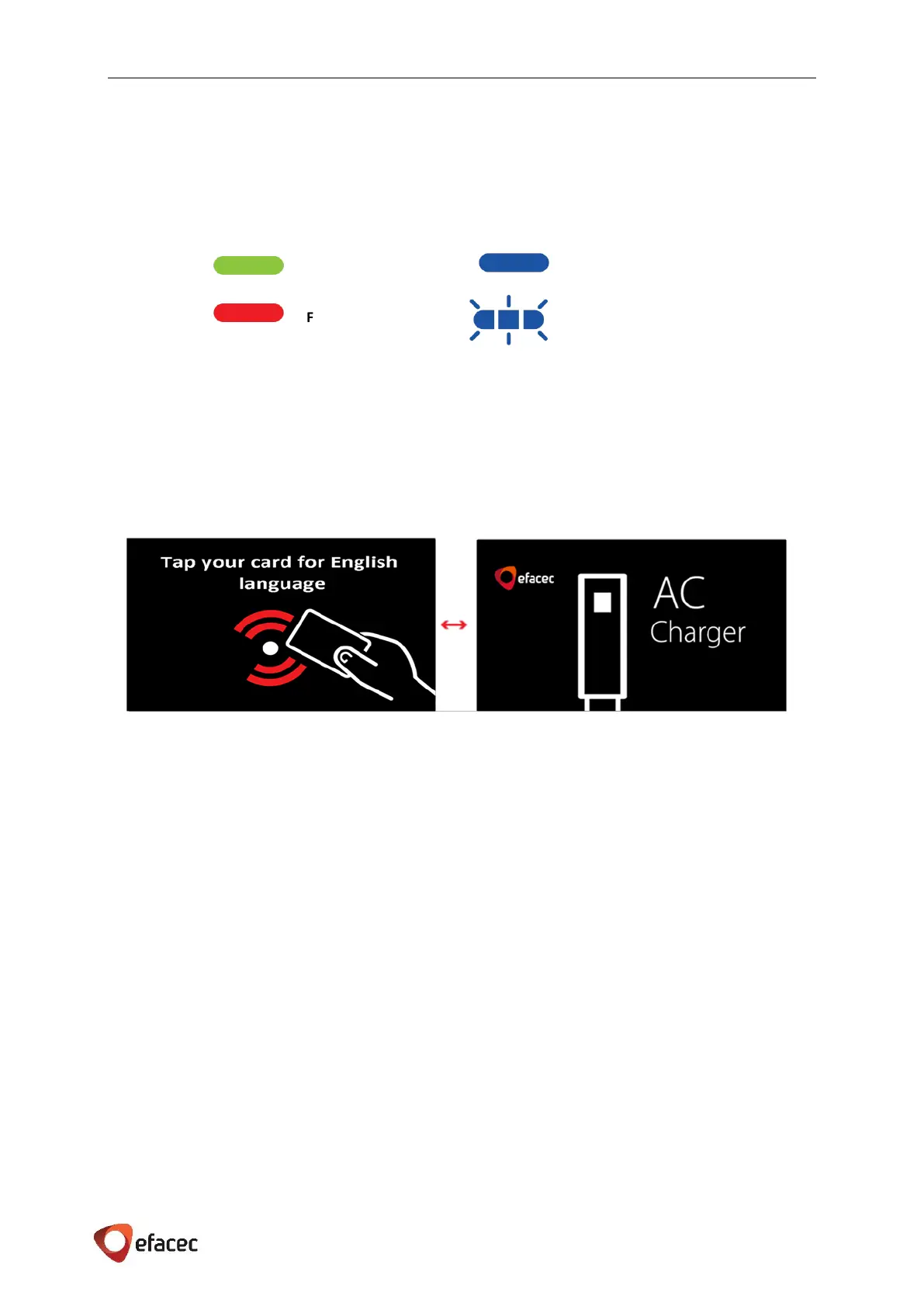
Besides the HMI, there is always a LED status signal. Please see below for the LED color definitions:
*In case of Fault, please refer to the Troubleshooting Chapter 8.2.
In the next sections are described the operation sequences of EFAPOWER EV-PC.
When a user starts an operation on the EFAPOWER EV-PC, the HMI display will show, as example, the following
screen saver:


 To Next Page