E F A P O W E R E V - PC - I N S T A L L A T I O N A N D U S E R M A N U A L
35 | 37
Table 8 - EFAPOWER EV-PC Troubleshooting (Part 2)
No output voltage
during charge
• Please contact the technical support
team
Residual current as
been detected by the
CCID – Only ETL
market.
Residual current detected
during charging process.
• Disconnect any connection to the
vehicle
• Verify cable and connector/socket
damage
• Restart charge
• If the problem persists, please contact
the technical support team
• EFAPOWER EV-PC is
ready but the charging
process did not start
• The connector is not
properly plugged into the
vehicle
• Verify the correct connection to the
vehicle
EFAPOWER EV- PC
charging is paused
Stays on this stage
more than 5 minutes
• Restart all unit;
• If the problem persists, please
contact the technical support
team
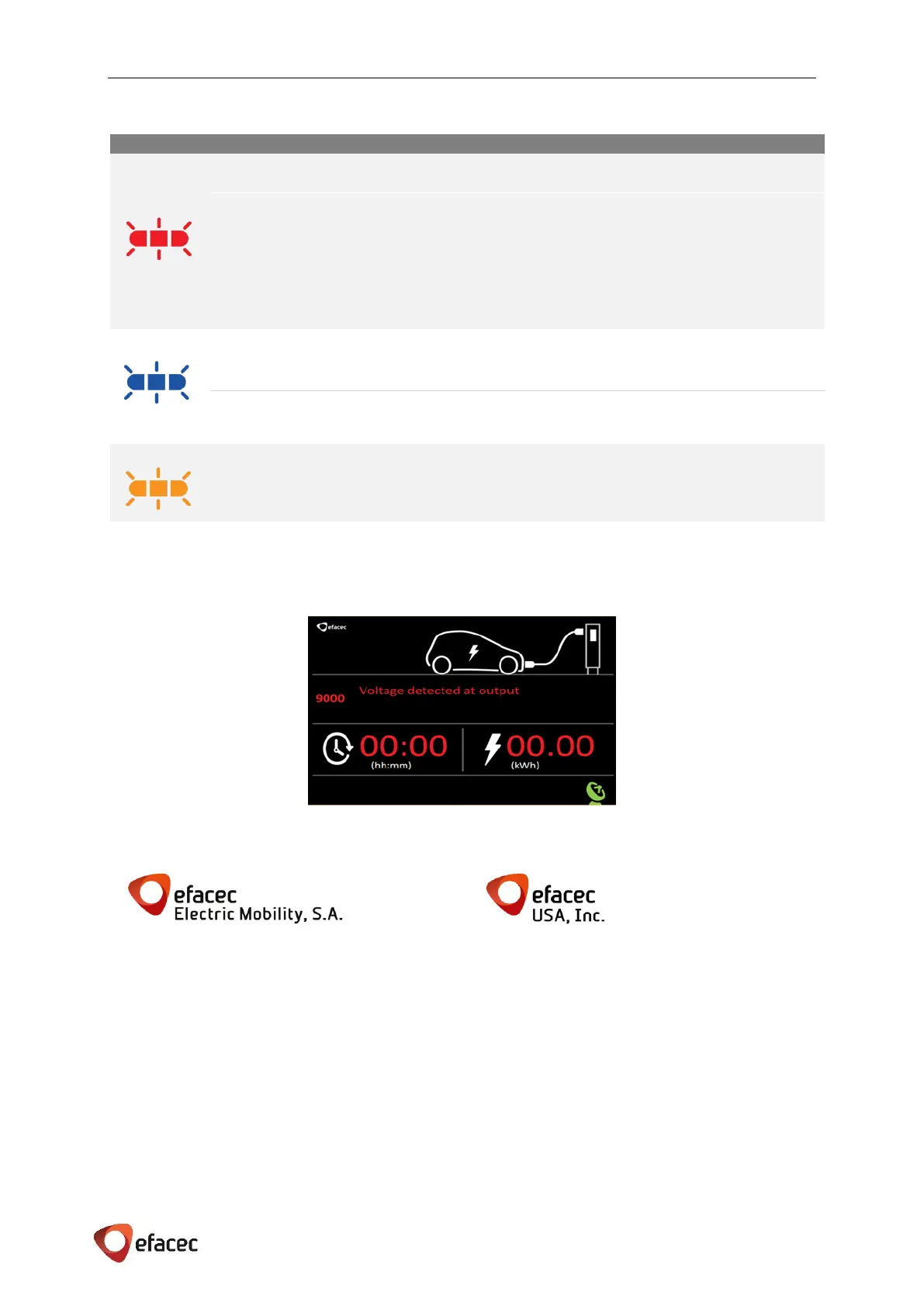
The following errors / messages can appear when an error occur during the charging process.
The screen below is an example of those messages.
In this case you should return the charging connector to its holder and call Efacec Customer Support at:
Rua Eng.º Frederico Ulrich - Apartado 3078
4471-907 MOREIRA MAIA - PORTUGAL
Tel: (+351) 229403241 - Fax: (+351) 229403209
serviceEEM@efacec.com
www.electricmobility.efacec.com
2725 Northwoods Parkway, Ste. B
Norcross, Georgia 30071 USA
Tel: (1) 470 395-3648 -
support.eem.usa@efacec.com
www.electricmobility.efacec.com


 To Next Page